

This is your practical Dublin guide, built by a local and designed to be used while you’re actually in the city.
It’s here to answer the questions that usually come up before you arrive and to guide you while you’re in Dublin.
You can keep this guide on your phone and use it to find:
- How to get around Dublin easily
- What’s worth booking ahead and what isn’t
- Locations for top tourist attractions and useful spots
- Common first-time visitor mistakes to avoid
- Practical information you won’t find in generic Dublin travel guides
Please see the toggle below with explanations on how to download the app on iPhone or Android. While it will function on a desktop or your phone’s web browser, you may experience formatting issues. For the best user experience, I’d advise downloading it as an app on your device.

📲 How to Add the App (iPhone)
Load the app page using the link provided.
Tap the share button in the top right corner, then scroll down and select Add to Home Screen.
You can rename the app if you’d like, then tap Add.
The app will now appear on your home screen.
For the best experience, keep the Open as Web App option turned on.

📲 How to Add the App (Android)
Load the app page using the link provided.
Tap the three dots in the top right corner to open the menu, then scroll down and select Add to Home screen.
Select Install, then tap Install again when prompted.
The app will now appear on your phone, where you can open and use it like a regular app.
* Some links in this app are affiliate links, meaning I may earn a small commission at no extra cost to you. See Terms & Conditions for full details*
THINGS TO DO IN DUBLIN

ATTRACTIONS & WORKSHOPS
Dublin City Pass
⭐️ 4.3 stars | ⏰ 1 to 5 days | 🎟️ Pre-book recommended | 💶 From €79 | Book Online
A multi attraction pass that covers a big list of Dublin sights, so you pay once and scan in as you go. It can save money if you’re doing several ticketed attractions over a short time. The key is choosing your must dos first, then checking what needs booking.
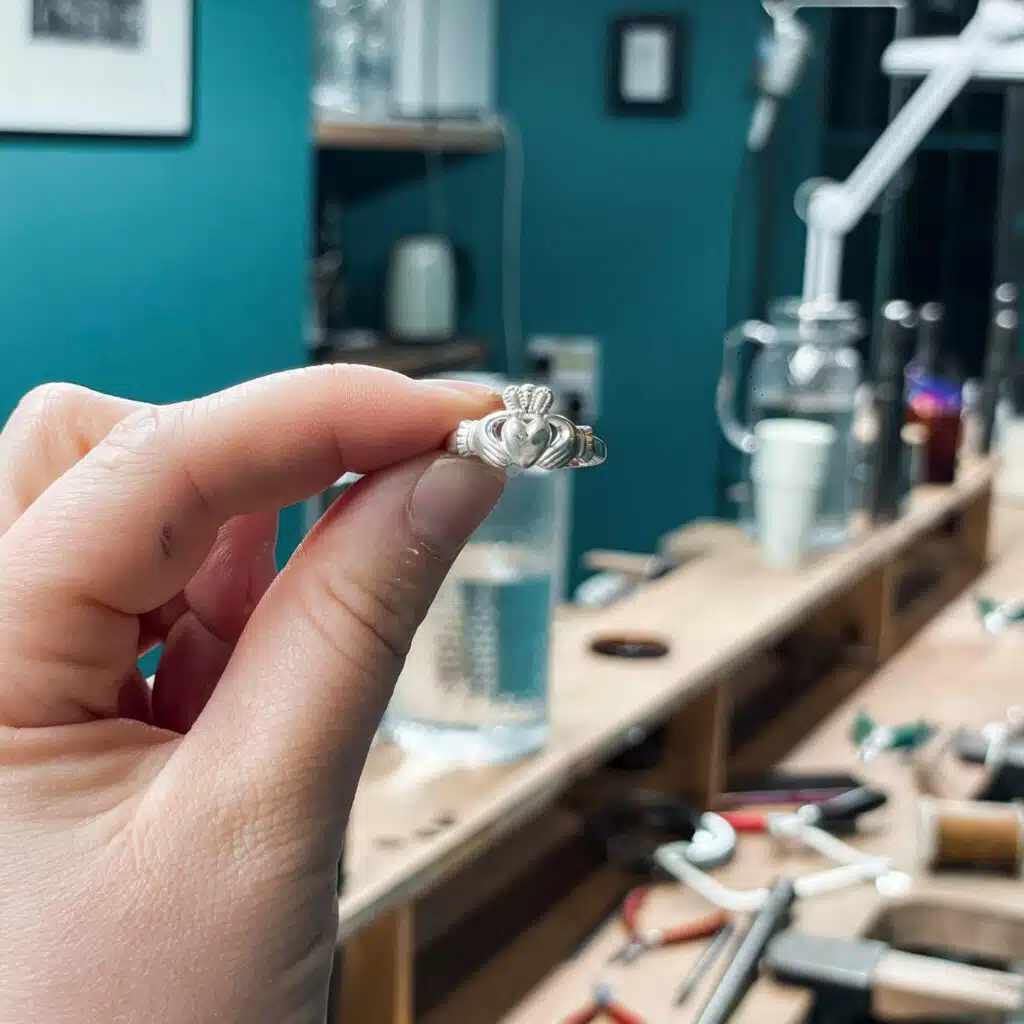
Forge Your Own Claddagh Ring Workshop
⭐️ 4.9 stars | ⏰ 2 hours | 🎟️ Pre-book required | 💶 From €130 | Book Online
A jewellery making workshop where you forge your own sterling silver Claddagh ring with a goldsmith guiding you through it. You’ll leave with a proper Irish keepsake that you’ve actually made yourself. Worth it if you want a hands on memory, not just another shopping bag.

The Book of Kells Experience
One of Ireland’s most visited attractions, located in the Old Library at Trinity College Dublin. The Book of Kells is an illuminated manuscript created by Irish monks around 800 AD and is regarded as one of the finest examples of early medieval art in the world. Allow 45–60 minutes. Paid entry, so book online well in advance as it sells out, particularly in summer. The Long Room library upstairs is included and is breathtaking.
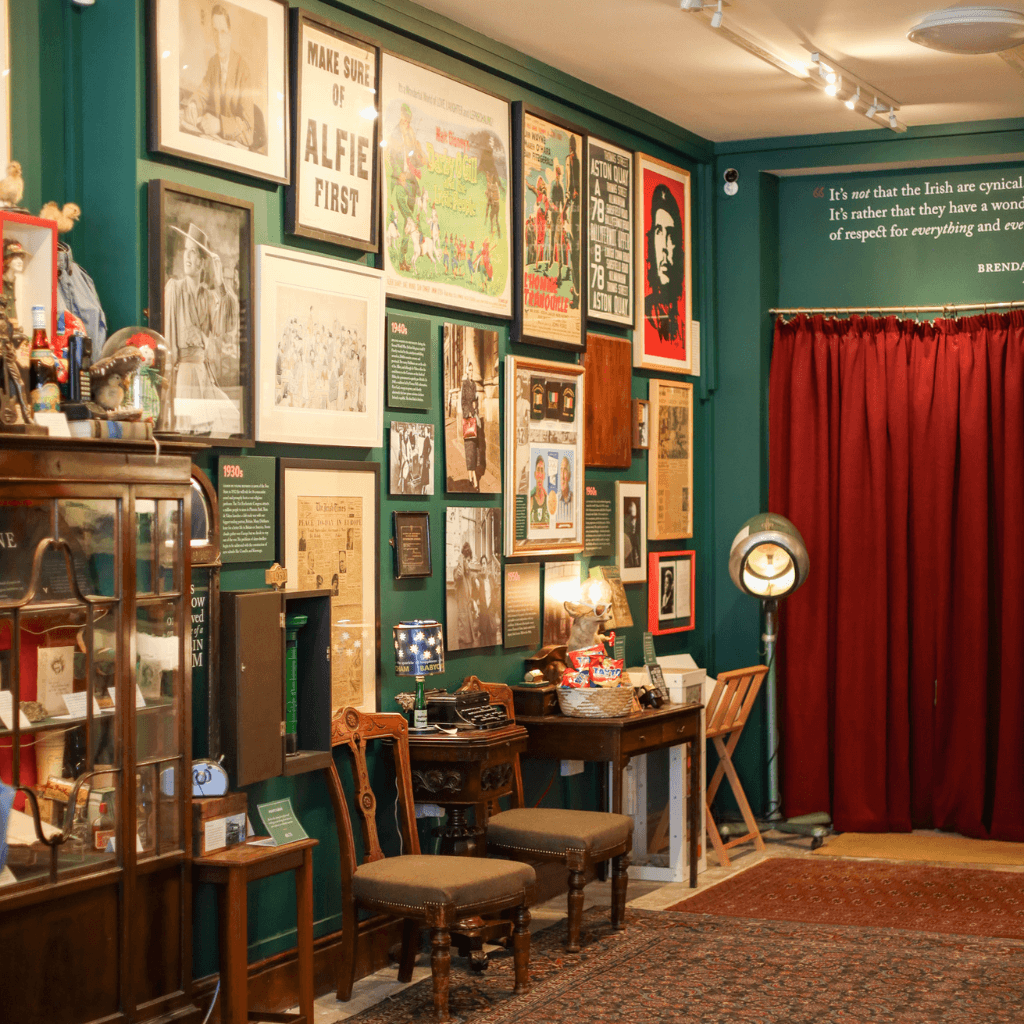
The Little Museum of Dublin
⭐️ 4.9 stars | ⏰ 1 hour | 🎟️ Pre-book required | 💶 From €18 | Book Online
A small museum in a Georgian townhouse on St Stephen’s Green, built around a short guided tour that’s genuinely funny and full of Dublin stories. You’ll get a quick, human version of the city’s past, not a textbook. Ideal if you want something light but still meaningful.
💡 Local Tip: Included on the Dublin City Pass.
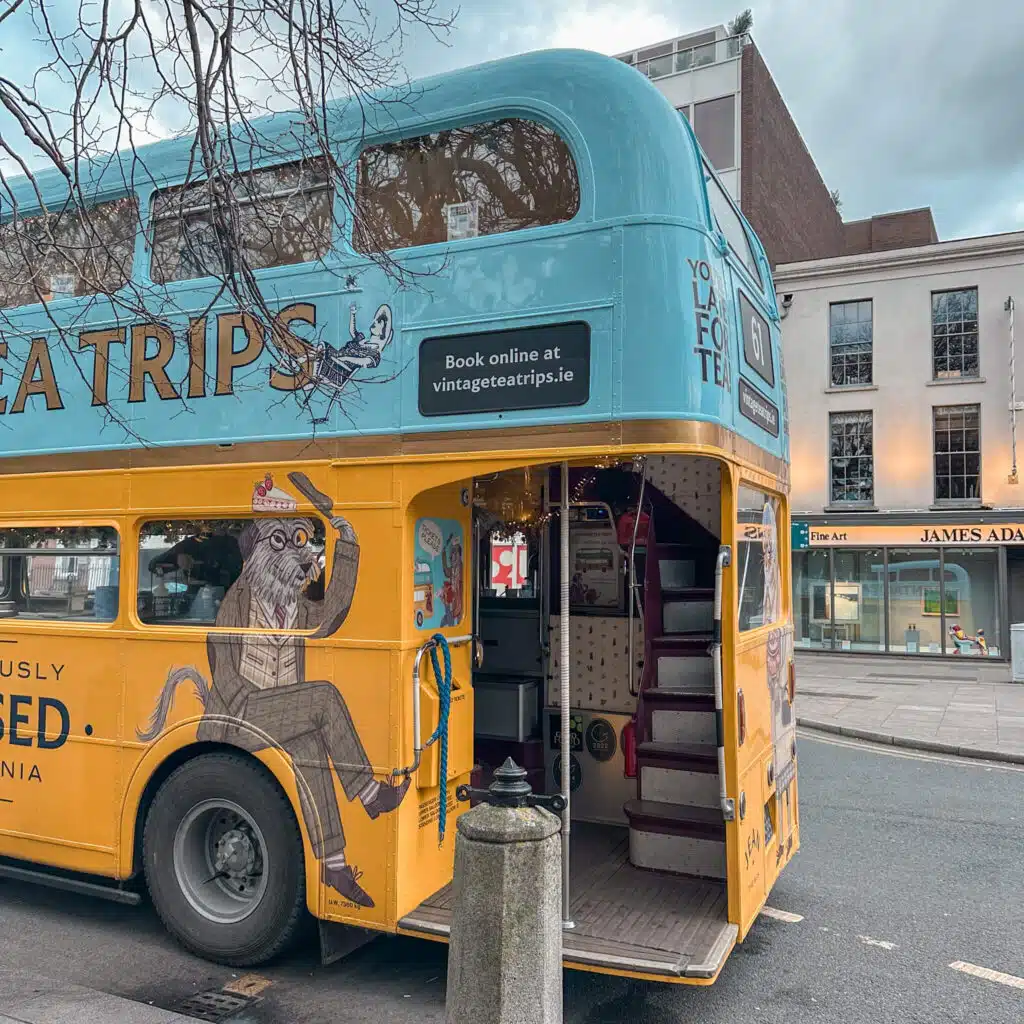
Vintage Tea Trips
⭐️ 4.8 stars | ⏰ 75 minutes | 🎟️ Pre-book recommended | 💶 From €57 | Book Online
Afternoon tea served on a vintage double decker bus while you drive past Dublin’s main sights. It’s a fun, low effort way to see the city if the weather is doing its usual thing. You get sandwiches, scones, and sweet treats, with tea and coffee included.
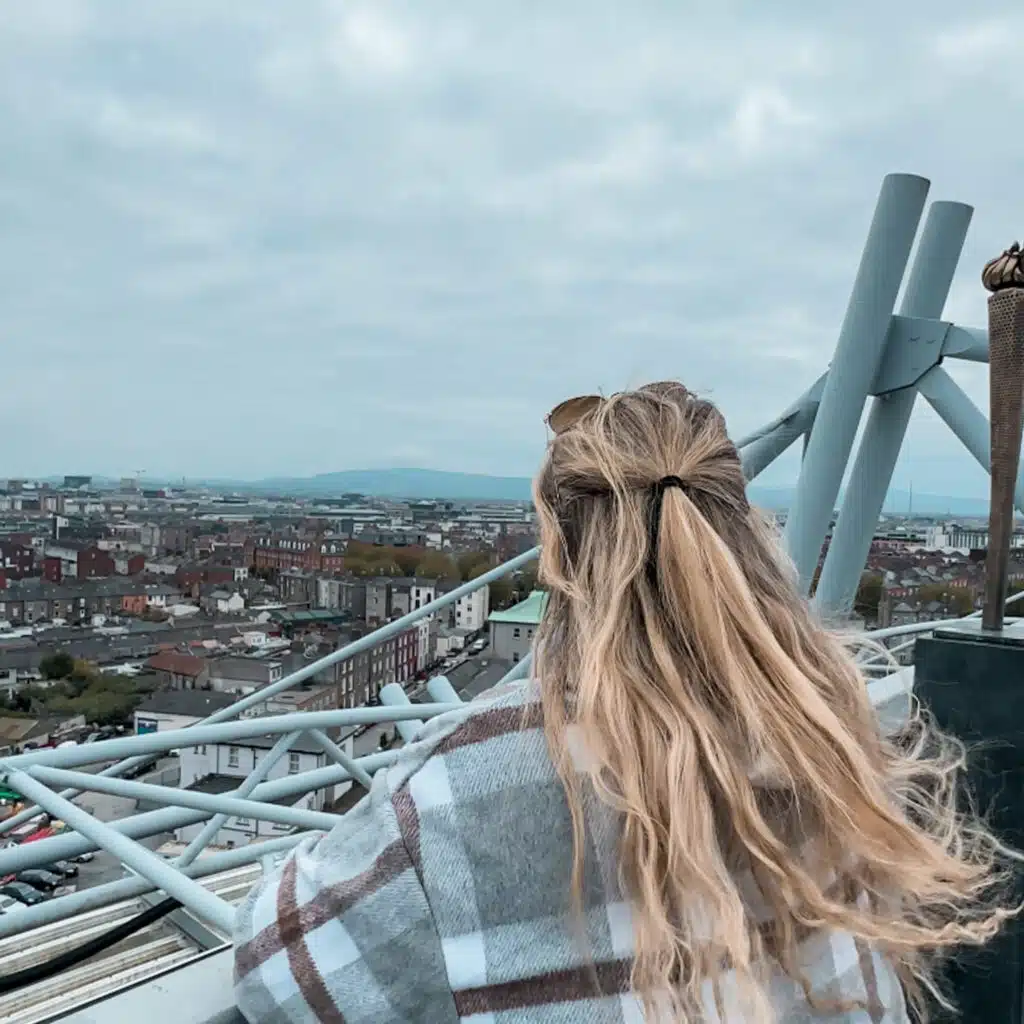
Kellogg’s Skyline Croke Park
⭐️ 4.8 stars | ⏰ 1.5 hours | 🎟️ Pre-book recommended | 💶 From €24 | Book Online
A rooftop walkway experience at Croke Park with big views over Dublin, plus access to the GAA Museum. It’s part stadium story, part best view in the city, and it’s great if you like something a little more active. You’ll be climbing steps, so it’s not ideal if heights or steep stairs aren’t your thing.
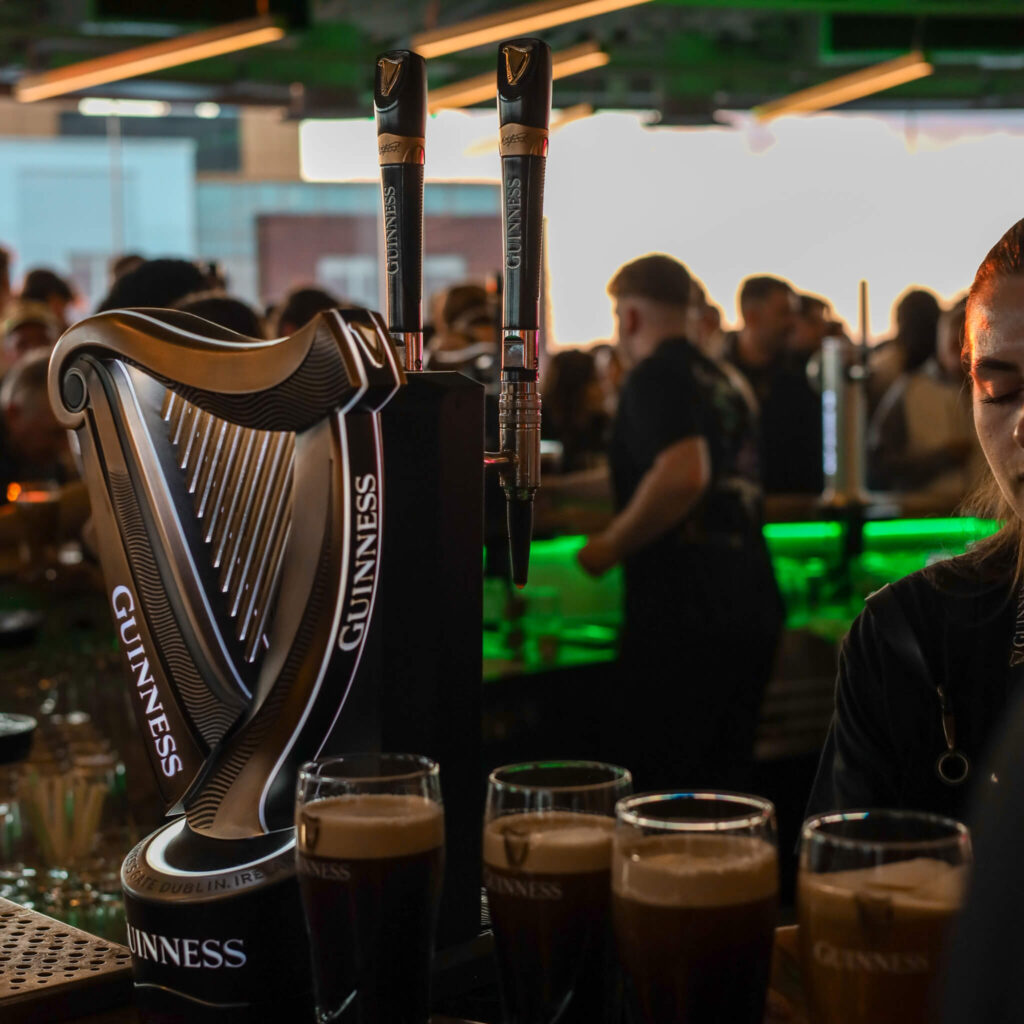
Guinness Storehouse
⭐️ 4.8 stars | ⏰ 1 hour | 🎟️ Pre-book required | 💶 From €95 | Book Online
A small group tasting inside the Guinness Storehouse, led by a trained Guinness host, with several Guinness styles to try and a bit more detail than the standard visit. It’s for people who actually want to taste and learn, not just grab a pint and a photo. You still finish with the views from the Gravity Bar.

Jameson Distillery Bow St.
⭐️ 4.7 stars | ⏰ 45 minutes | 🎟️ Pre-book recommended | 💶 From €31 | Book Online
The classic Jameson visitor experience on Bow Street, with a guided walk through the distillery story and a comparative whiskey tasting at the end. It’s a solid choice if you want something easy, central, and well run. Good for first time whiskey drinkers as well as fans.
💡 Local Tip: Included on the Dublin City Pass.
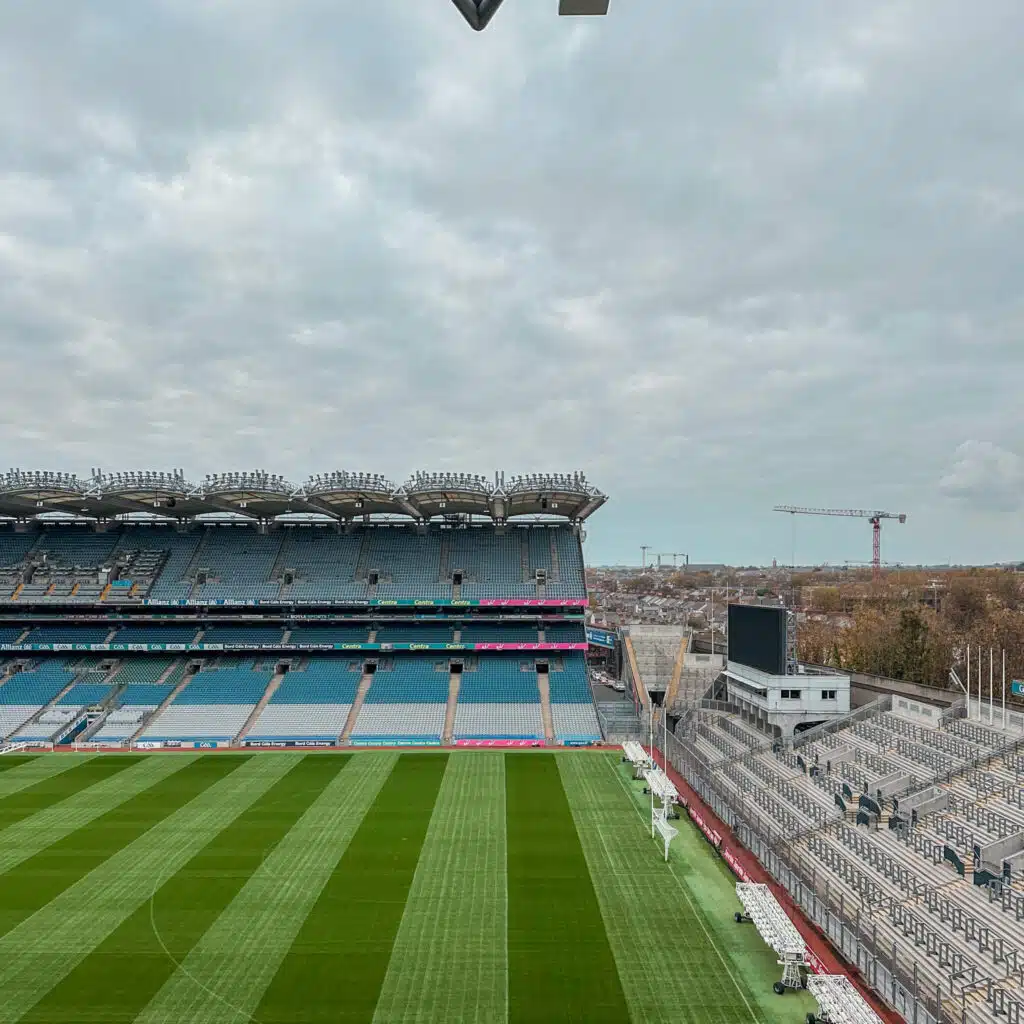
Croke Park Stadium Tour
⭐️ 4.7 stars | ⏰ 1.5 hours | 🎟️ Pre-book recommended | 💶 From €18 | Book Online
A behind the scenes tour of Croke Park, with time in areas you wouldn’t normally see plus entry to the GAA Museum. Even if you’re not into sport, it’s a good window into a big piece of modern Irish culture. You’ll do a bit of walking and steps around the stadium.
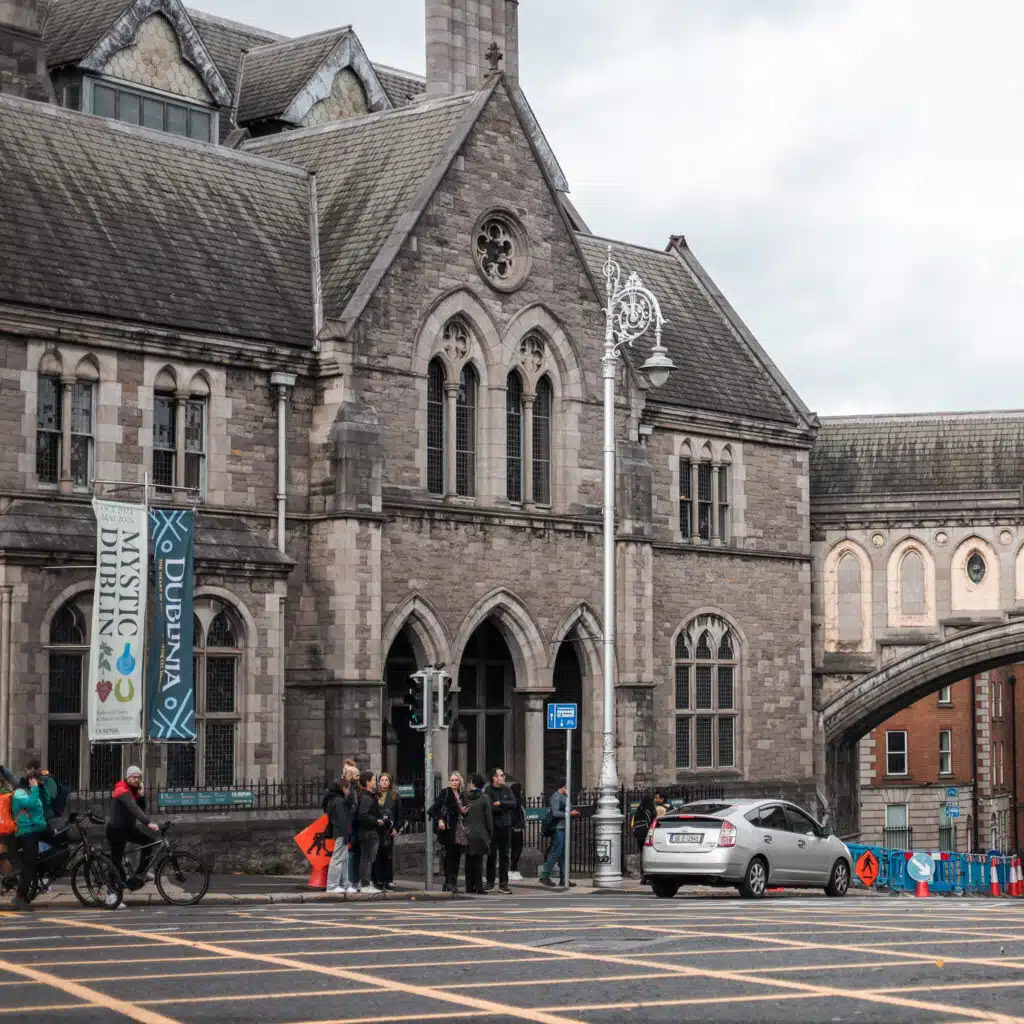
Dublinia
⭐️ 4.7 stars | ⏰ 1 day | 🎟️ Not required | 💶 From €18 | Book Online
A hands on museum beside Christ Church that brings Viking and medieval Dublin to life with recreated streets, rooms, and practical context that actually makes the old city make sense. It’s great if you want something more interactive than a traditional museum.
💡 Local Tip: Included on the Dublin City Pass.
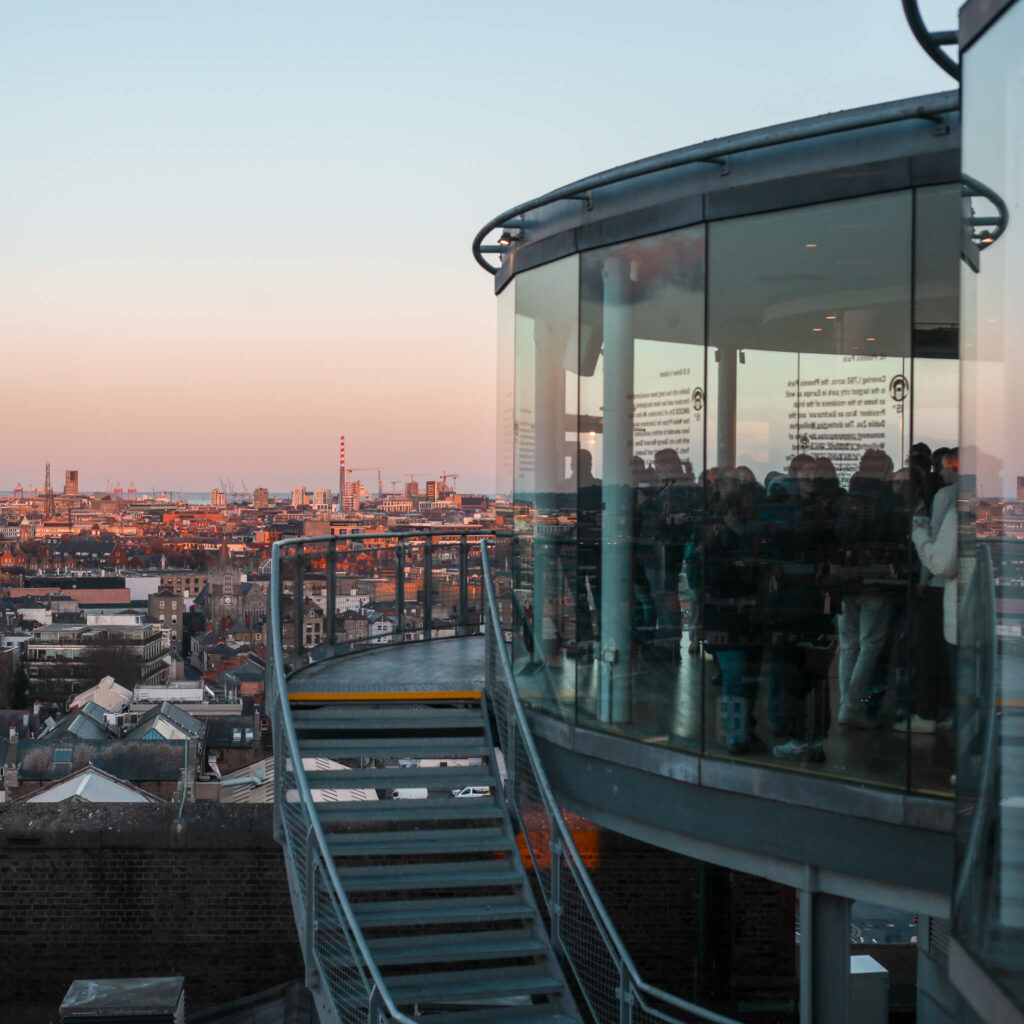
Guinness Storehouse
⭐️ 4.6 stars | ⏰ 1 day | 🎟️ Pre-book recommended | 💶 From €30 | Book Online
A self guided visit through the Guinness Storehouse, set inside the working brewery at St James’s Gate. You follow the story of how Guinness is made, the ads, the history, and finish with a pint in the Gravity Bar. It’s one of those Dublin classics people genuinely enjoy, even if you’re not a big stout drinker.
💡 Local Tip: Included on the Dublin City Pass.
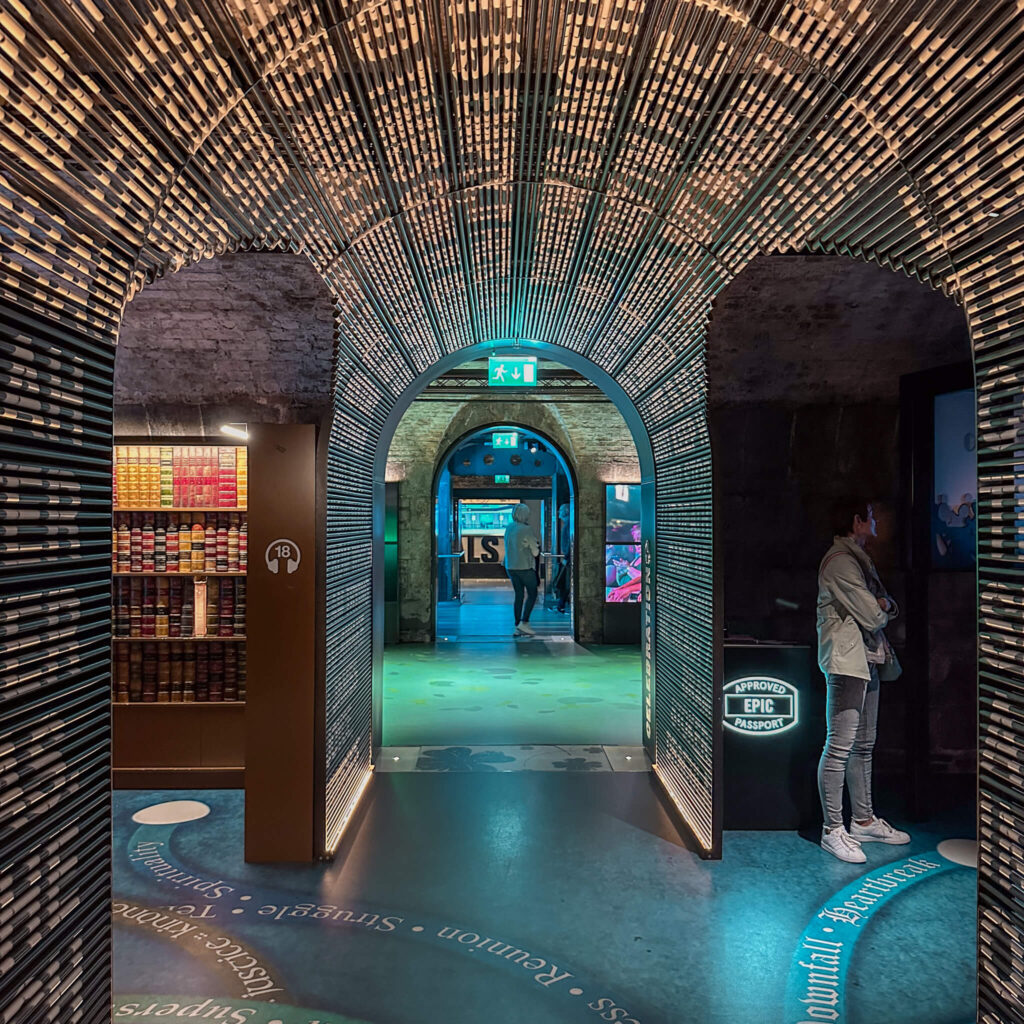
EPIC The Irish Emigration Museum
⭐️ 4.6 stars | ⏰ 1 day | 🎟️ Not required | 💶 From €17 | Book Online
An indoor, interactive museum about Irish emigration, set in the Docklands. It’s hands on, story led, and a great option if you want Irish history without a long lecture. Easy to pair with a walk around the Docklands or the Jeanie Johnston nearby.
💡 Local Tip: Included on the Dublin City Pass.
River Liffey Cruise
⭐️ 4.4 stars | ⏰ 45 minutes | 🎟️ Pre-book recommended | 💶 From €23 | Book Online
A quick sightseeing cruise on the River Liffey that gives you a different view of the city, especially around the Docklands. It’s a nice reset if you’ve been walking all day and want something easy. You’ll get live commentary as you go.
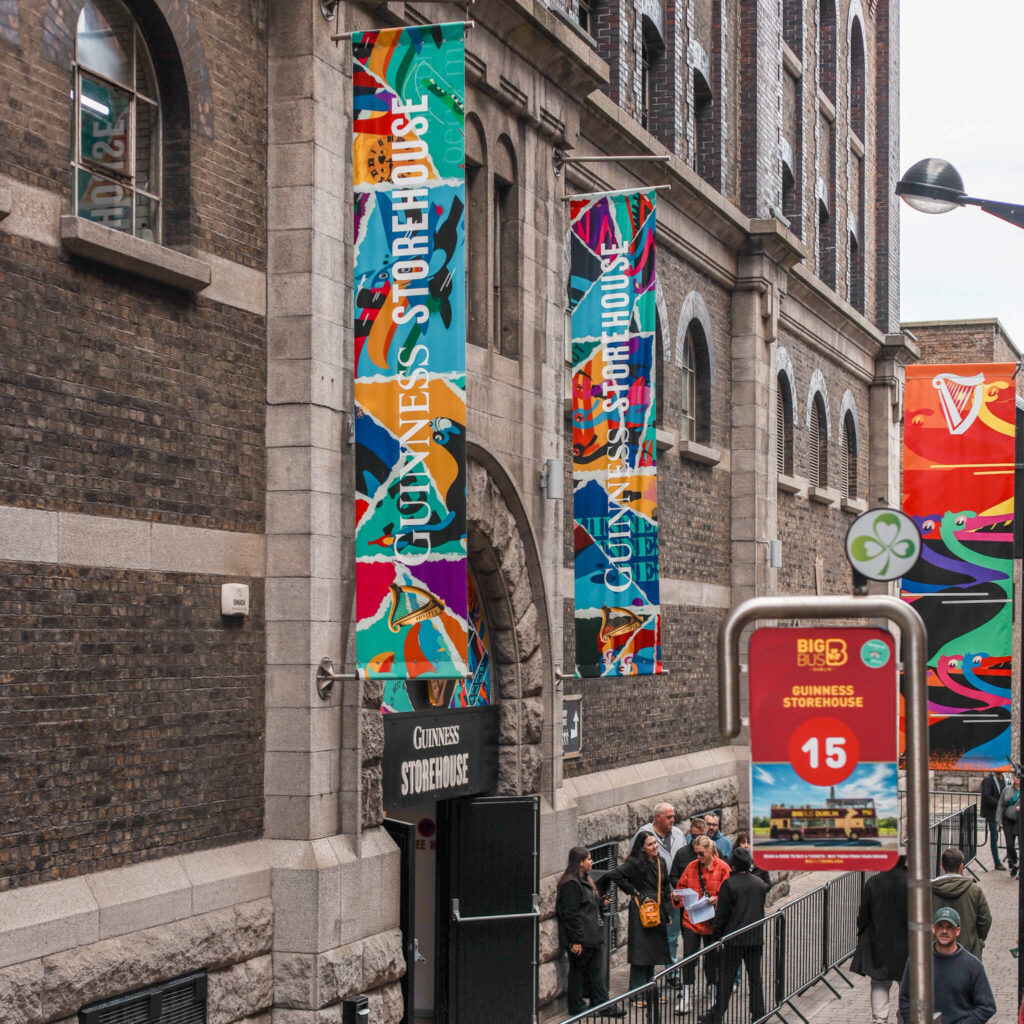
Big Bus Dublin
⭐️ 4.4 stars | ⏰ 1 to 3 days | 🎟️ Pre-book required | 💶 From €34 | Book Online
An open top bus that loops around the main Dublin sights, so you can hop on and off when it suits. It’s handy if you’re short on time, travelling with someone who can’t walk loads, or you just want an easy overview on day one. It also helps you get your bearings fast.
💡 Local Tip: Included on the Dublin City Pass.
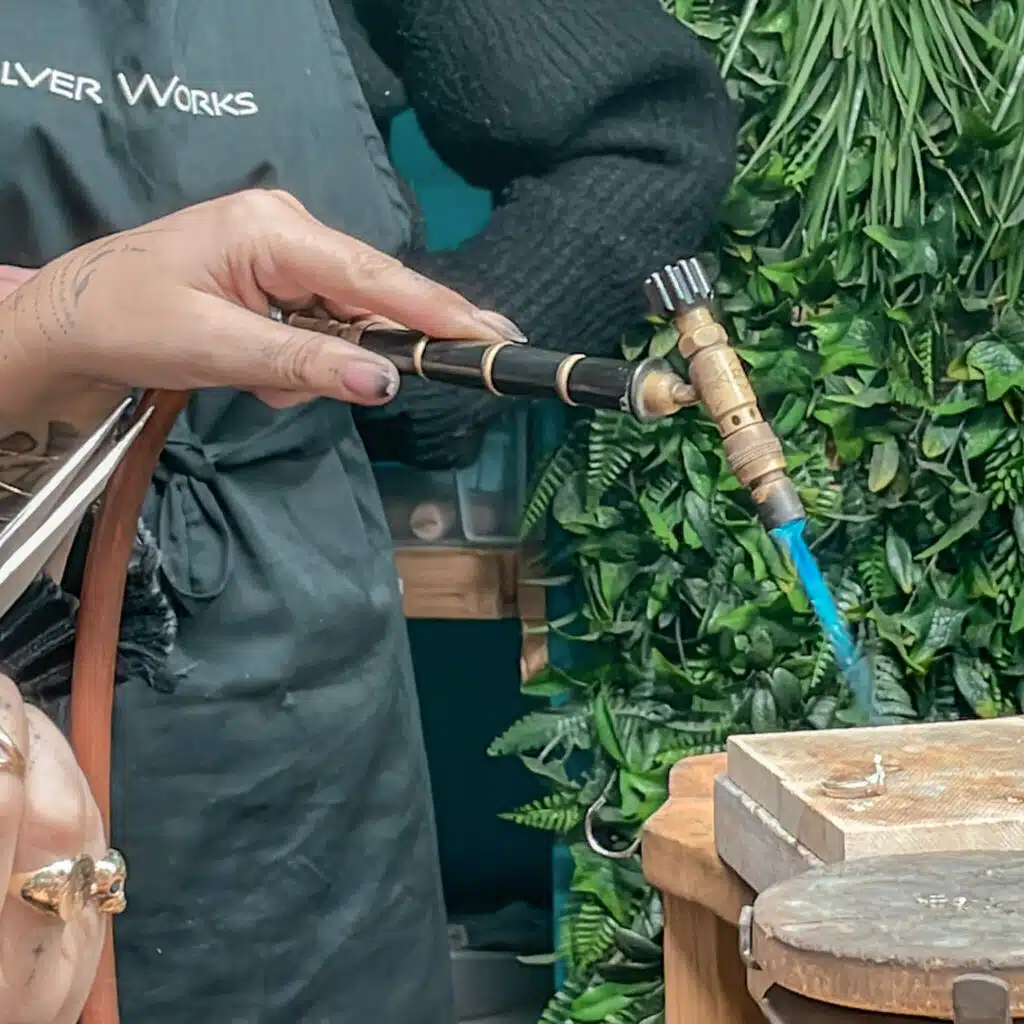
Silver Ring Workshop
⭐️ 4.9 stars | ⏰ 2 hours | 🎟️ Pre-book recommended | 💶 From €86 | Book Online
A hands on jewellery workshop where you make your own sterling silver ring with a tutor guiding you through each step. You’ll cut, shape, solder, texture, and finish it, then leave with a ring you actually made. A lovely one if you want a proper souvenir that isn’t just another magnet.

Jameson Cocktail Class
⭐️ 5 stars | ⏰ 1 hour | 🎟️ Pre-book recommended | 💶 From €60 | Book Online
A one hour cocktail making class at the Jameson Distillery where you learn how to mix a few whiskey classics and drink what you make. It’s quick, fun, and a handy rainy day plan. Best for people who want an activity, not just another tasting.
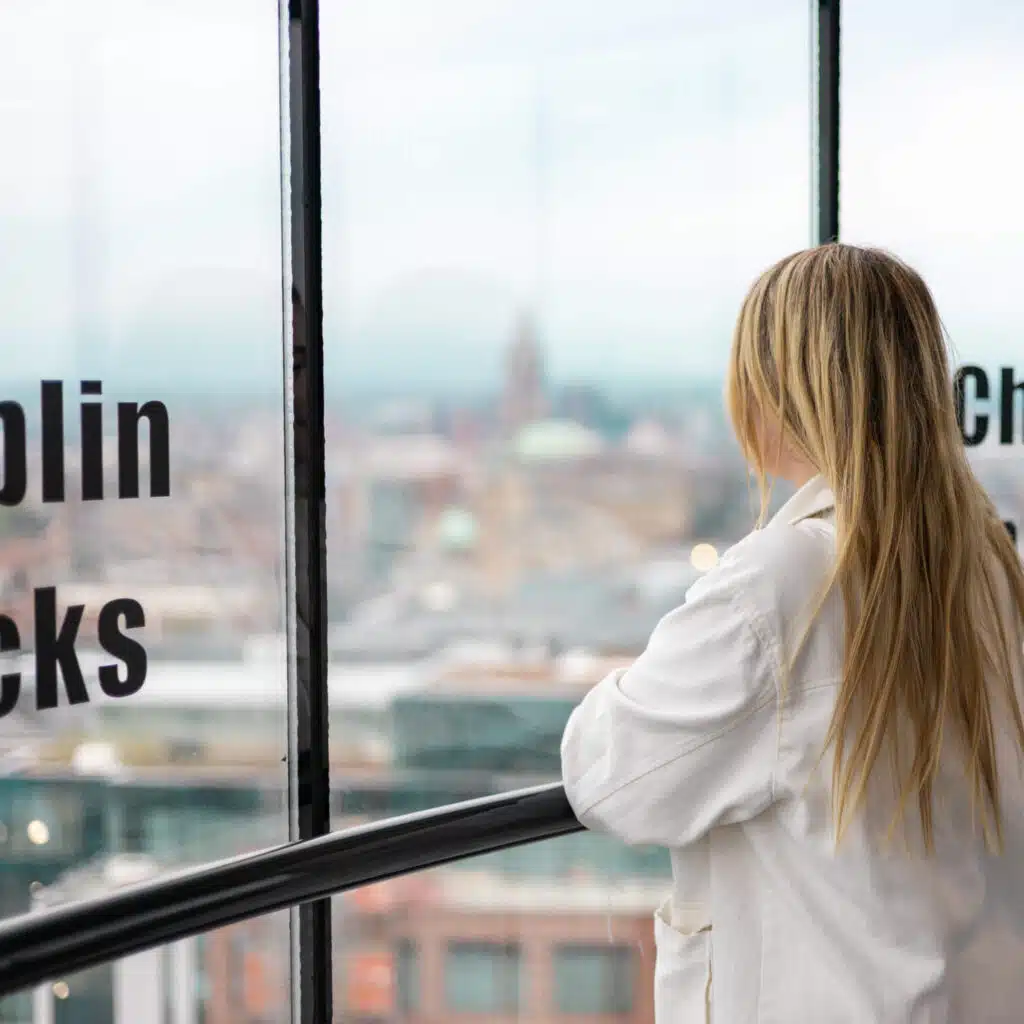
Skyview Tower
This is one of my favourite best-kept secrets in Dublin. The 19th-century converted chimney from the old Jameson Whiskey Distillery in Smithfield is now a 360° viewing platform across the city.
You do have to be brave and climb 259 steps, but because very few people realise it’s there, you can often have it to yourself. Pay for entry at the Generator Hostel in Smithfield. Open 7 days a week from 7am to 10pm.

Dublin Zoo
One of Europe’s oldest zoos, founded in 1831 and located in the grounds of Phoenix Park. Home to over 400 animals across a range of naturalistic habitats. A great option for families and popular with all age groups. Paid entry, so book online in advance to avoid queues, especially at weekends and during school holidays. Allow a good half day.
💡 Local Tip: Included on the Dublin City Pass.

FREE ATTRACTIONS
National Museum of Ireland, Collins Barracks
A branch of the National Museum focused on decorative arts and Irish history, housed in the oldest continuously occupied military barracks in the world. Located on Benburb Street in Smithfield, a short walk or Luas ride from the city centre. Free entry; exhibitions cover everything from furniture and silver to Irish military history.
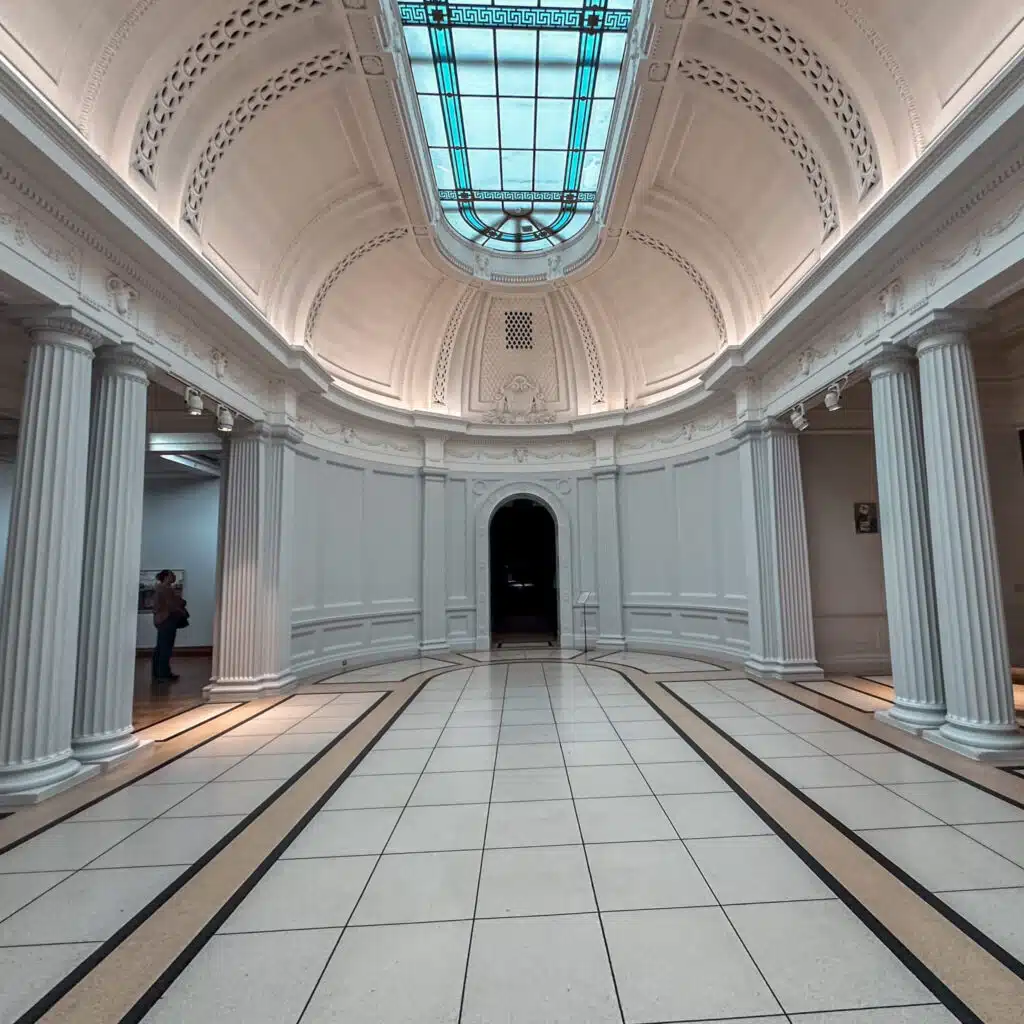
Hugh Lane Gallery
A world-class free art gallery on Parnell Square, home to an impressive collection of Impressionist and modern Irish art. The highlight for many is Francis Bacon’s reconstructed studio, relocated here from London exactly as it was found. Free entry Tuesday to Thursday 9:45am–6pm, Friday and Saturday until 5pm, Sunday 11am–5pm. Allow at least an hour.
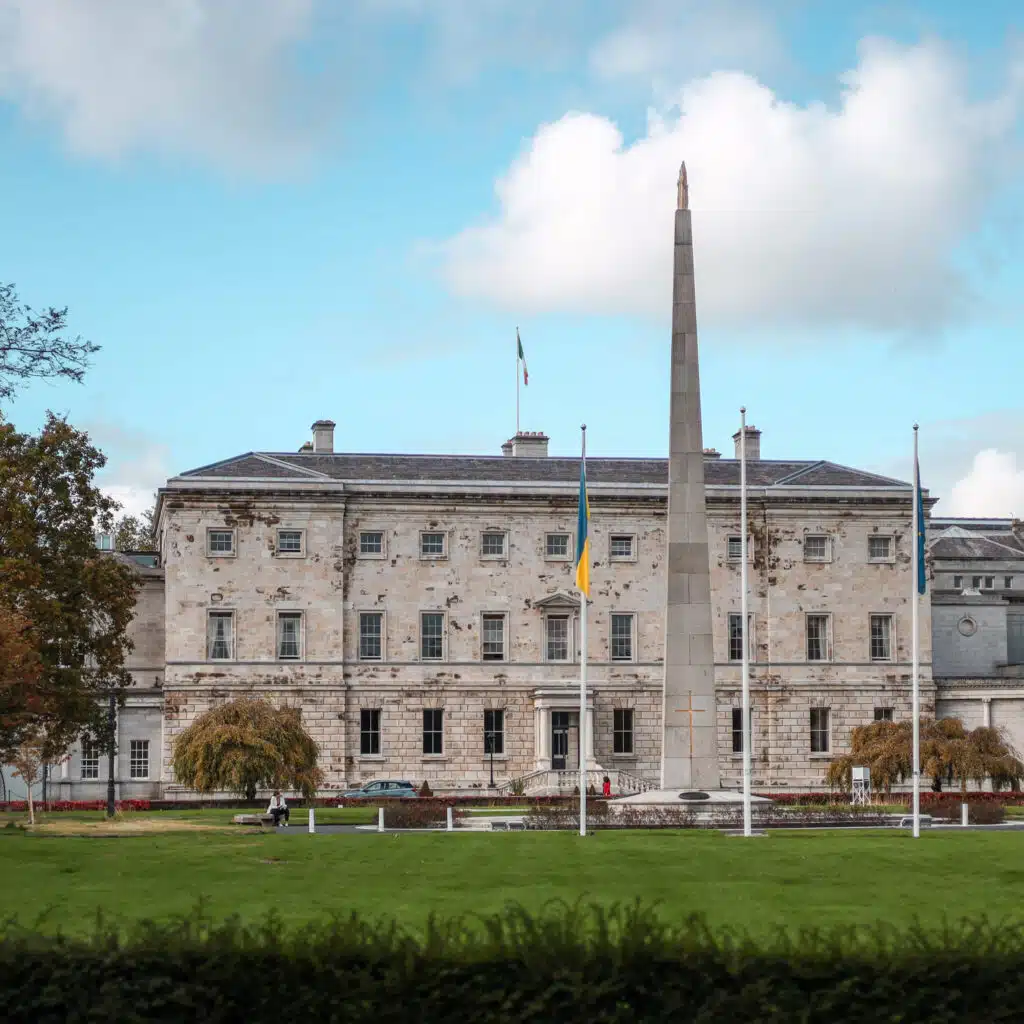
National Museum of Ireland – Archaeology
Home to Ireland’s most treasured prehistoric and early Christian artefacts, including the Ardagh Chalice, the Tara Brooch and several remarkably preserved bog bodies. Free to visit on Kildare Street, just off St Stephen’s Green. One of the best free museums in Europe, genuinely unmissable if you have any interest in Irish history. Allow at least 1–2 hours.
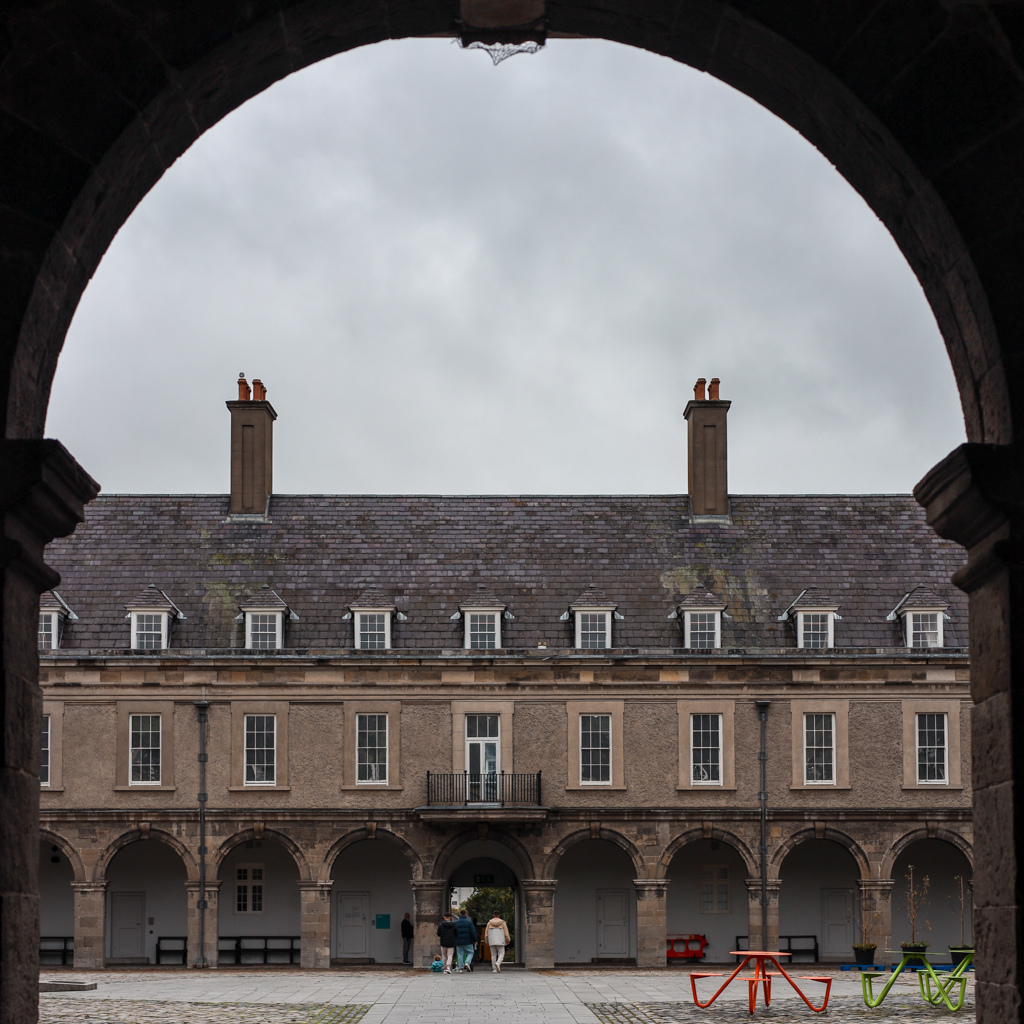
Irish Museum of Modern Art
Ireland’s leading museum for modern and contemporary art, housed in the stunning 17th-century Royal Hospital Kilmainham. The building and grounds are as impressive as the collection inside, it’s worth visiting just for the architecture and the formal gardens. Free entry. Located a short walk from Kilmainham Gaol, so the two pair well together.
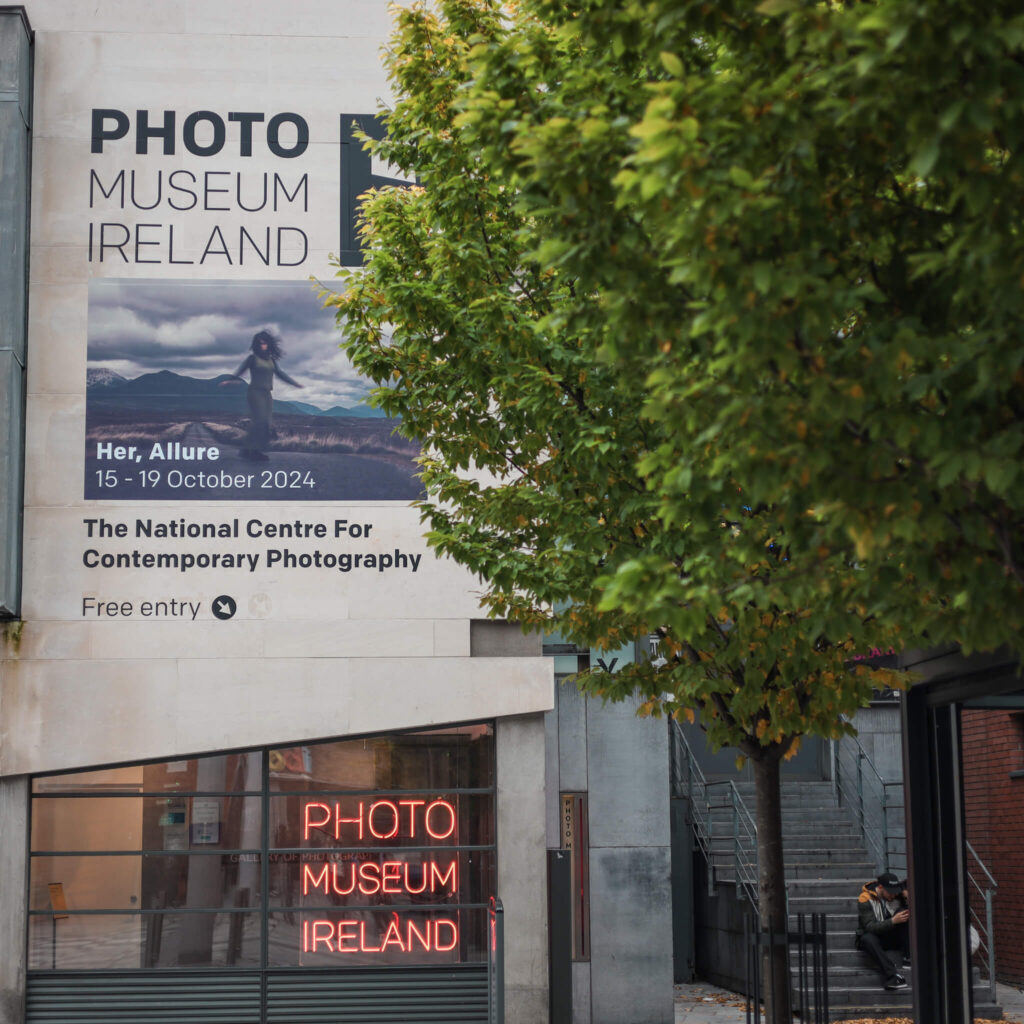
Photo Museum Ireland
Ireland’s national centre for contemporary photography, located in Meeting House Square in Temple Bar. Free to visit Tuesday to Saturday 11am–6pm and Sunday 1–5pm. Rotating exhibitions showcase the best of Irish and international photography, with free guided tours every Wednesday at 1:15pm. A calm, interesting stop right in the heart of Temple Bar.

National Gallery of Ireland
Ireland’s national collection of European and Irish art, spanning over 700 years of painting, sculpture and works on paper. Home to masterpieces by Caravaggio, Vermeer and Jack B. Yeats, among many others. Completely free to visit, located on Merrion Square West. Allow 1–2 hours.
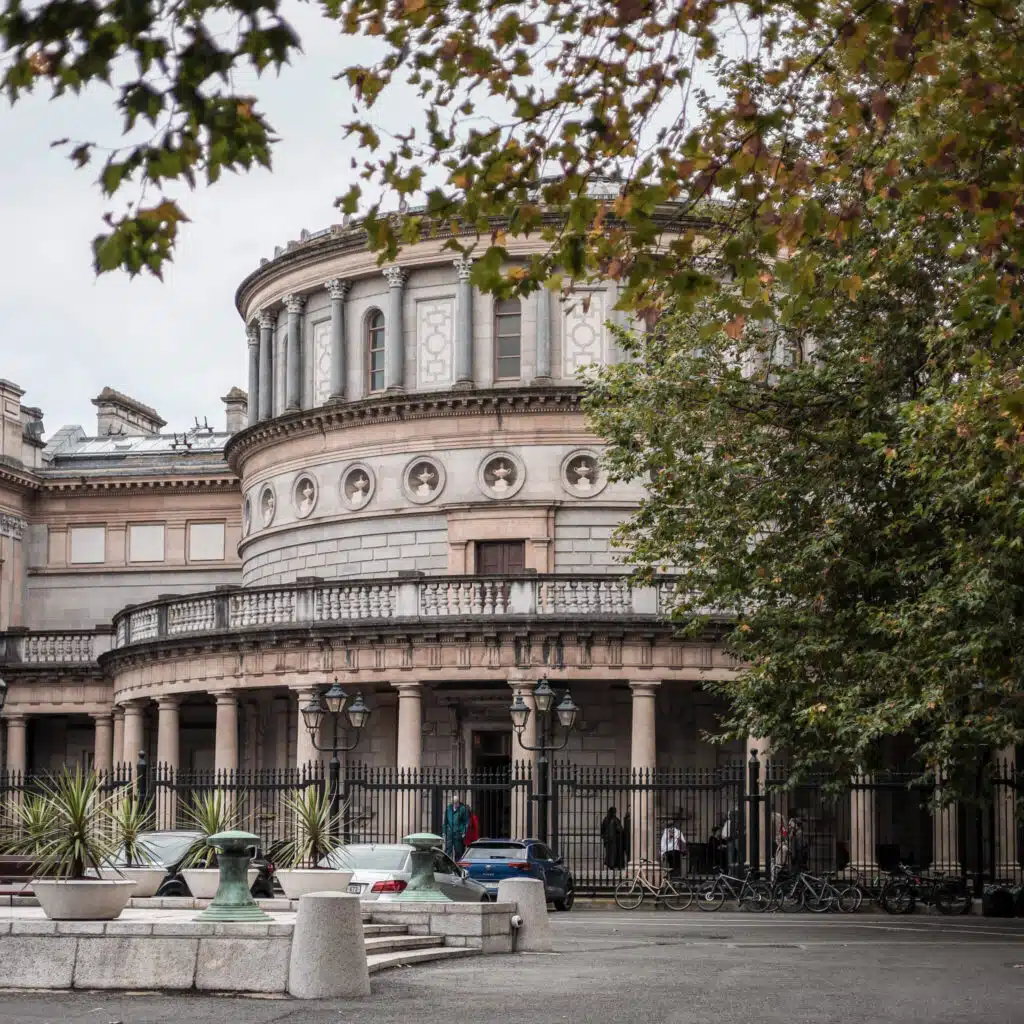
National Museum of Ireland: Natural History
Known locally as the Dead Zoo, this wonderfully unchanged Victorian museum has barely been touched since it opened in 1857, which is entirely the point. Two floors of animal skeletons, taxidermy and specimens, including a towering skeleton of a giant Irish elk. Free entry on Merrion Street. A short, quirky visit that most people enjoy far more than expected.
Chester Beatty
One of Dublin’s finest free museums, located right beside Dublin Castle. Chester Beatty houses a world-class collection of manuscripts, rare books, prints and decorative arts from Asia, the Middle East, North Africa and Europe, regularly voted one of the best museums in Europe. Free entry Tuesday to Saturday from 9:45am (Wednesday until 8pm) and Sunday from noon. Closed Mondays from November to February.

Áras an Uachtaráin Tour (Saturdays)
Free guided tours of the official residence of the President of Ireland, set in the grounds of Phoenix Park. Tours run on Saturdays only at set times throughout the day. Free tickets are issued in person at the Phoenix Park Visitor Centre on the day, on a first-come, first-served basis, arrive early as they go quickly.
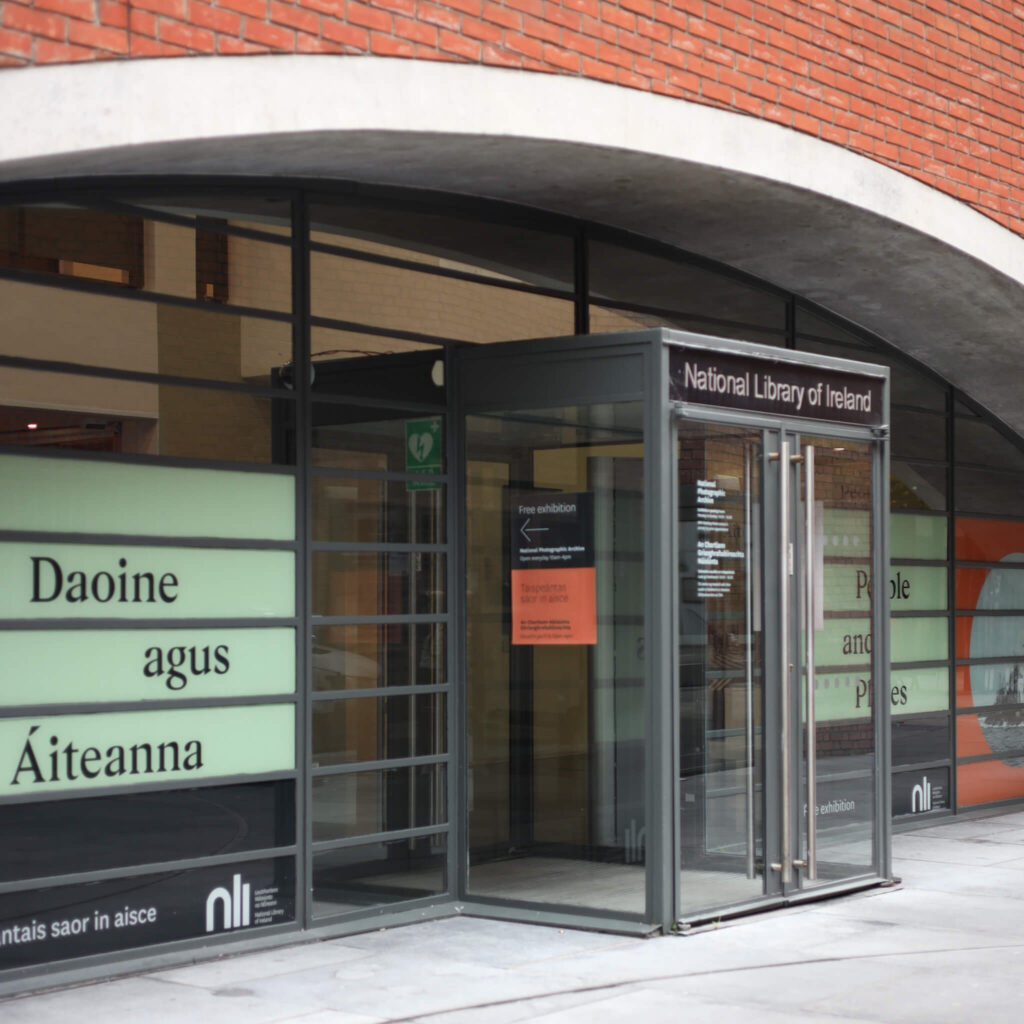
National Photographic Archive
Part of the National Library of Ireland, located in Meeting House Square in the heart of Temple Bar. Houses a collection of over 600,000 photographs documenting Irish life and history, with free rotating exhibitions on show. Open Monday to Friday 10am–4:30pm and Saturday 10am–2pm. A quiet, worthwhile stop in the middle of a busy area.
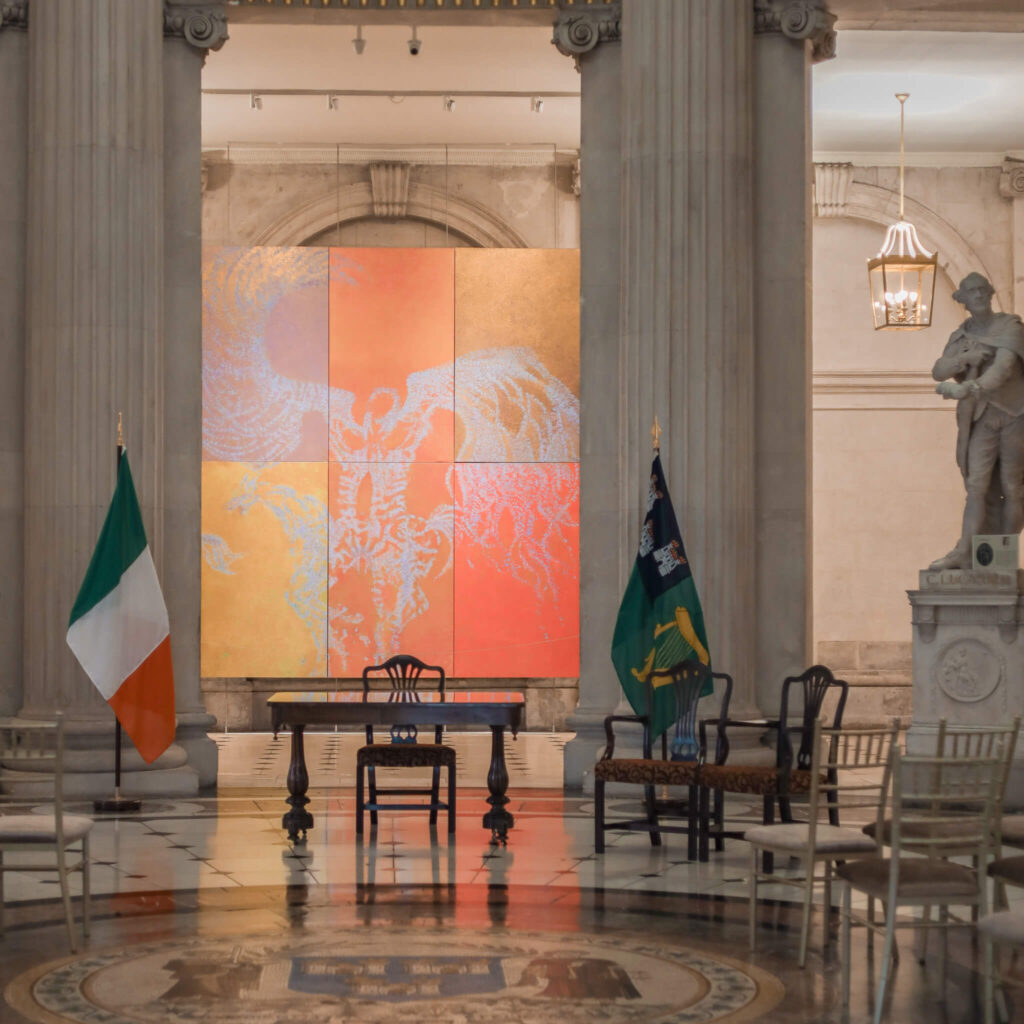
City Hall
Dublin’s striking neoclassical City Hall on Dame Street was originally built as the Royal Exchange in 1779. The ground floor is free to visit and houses a permanent exhibition on the history of Dublin city, set beneath a beautiful domed rotunda with marble floors. Worth stepping into even if you’re just passing, it takes no more than 20–30 minutes.

WALKING TOURS
Trinity College Walking Tour
⭐️ 4.3 stars | ⏰ 45 minutes | 🎟️ Pre-book required | 💶 From €17 | Book Online
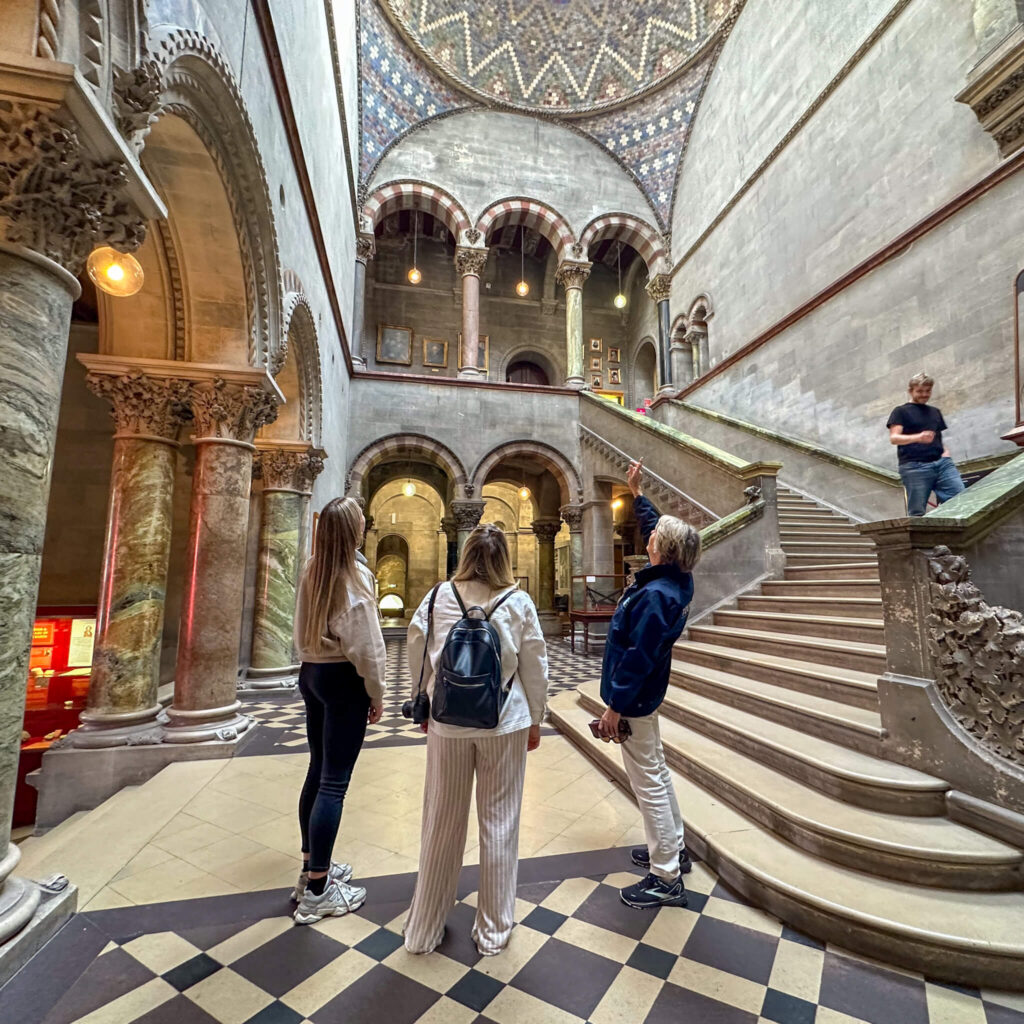
A short guided walk around Trinity College with a student guide, covering the main squares, stories, and a bit of campus life. It’s a nice add on if you’re already in the area and want context beyond just taking photos. This one is outdoors and doesn’t include the Book of Kells.
Dublin Street Food Tour w/ Local Guide
⭐️ 4.9 stars | ⏰ 3 hours | 🎟️ Pre-book recommended | 💶 From €28 | Book Online
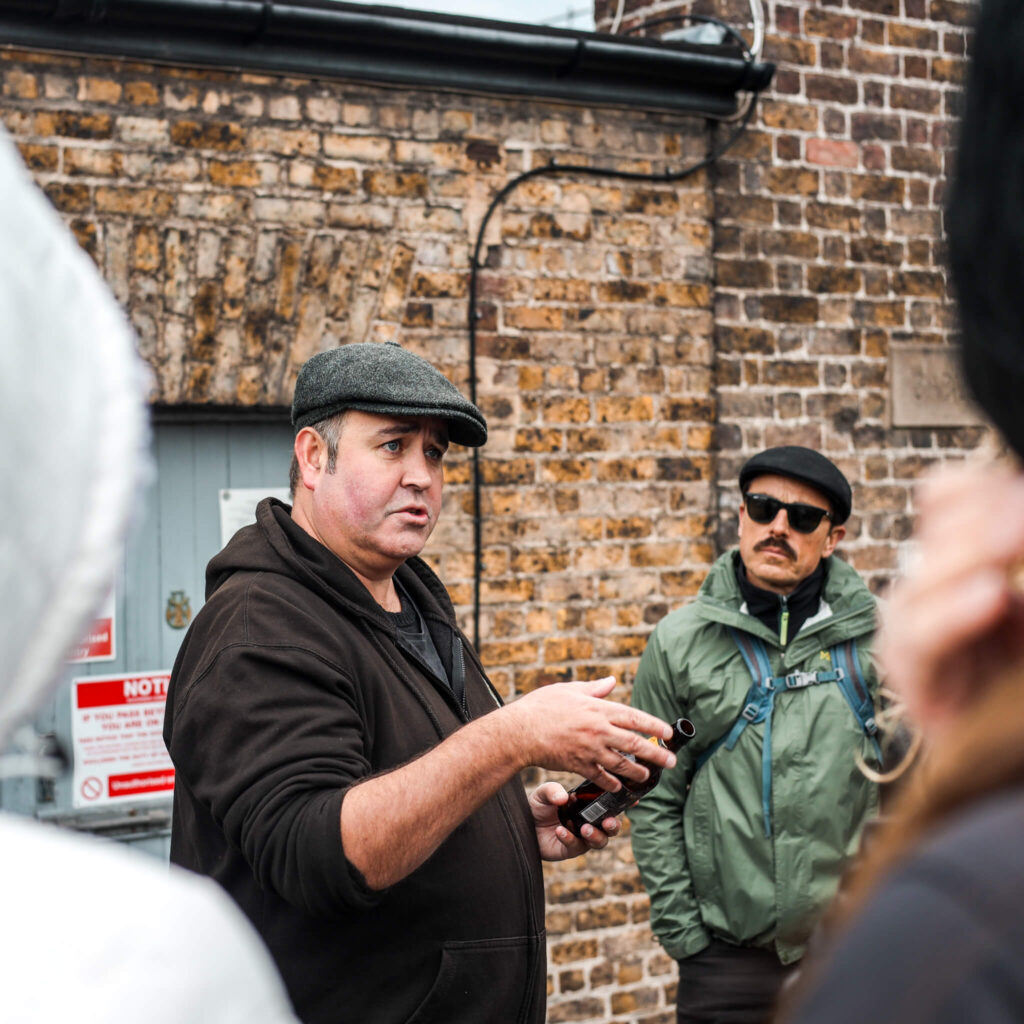
A guided walk through the city with stops at a few local food spots along the way. You’ll get recommendations on what to try, but you pay for your own food and drinks as you go. Good if you want a bit of structure without committing to a full sit down meal.
💡 Local Tip: Included on the Dublin City Pass.
Historical Walking Tours of Dublin
⭐️ 4.7 stars | ⏰ 2 hours | 🎟️ Pre-book required | 💶 From €19 | Book Online
A focused history walk through the city centre with guides who really know their stuff. It covers the big turning points like the Rising and independence, but in a way that actually sticks. Good if you want context for what you’re seeing, not just facts at you.
Mythology, Folklore & Legends Walking Tour
⭐️ 4.9 stars | ⏰ 2 hours | 🎟️ Pre-book required | 💶 From €24 | Book Online
A walking tour focused on Irish mythology, folklore, and the stories that sit underneath the city. You’ll hear about banshees, fairies, and the old beliefs, plus a bit of the darker side of Georgian Dublin. A great one if you’ve done the history already and want something different.
Delicious Dublin Food Tours
⭐️ 4.9 stars | ⏰ 3 hours | 🎟️ Pre-book recommended | 💶 From €90 | Book Online
A guided food focused walk in the city centre with a set of tastings included, so you can try a mix of Irish classics and modern spots without booking a stack of restaurants. It’s a great way to get your bearings on what to eat in Dublin. Come hungry, you’ll be well fed.

Traditional Pubs Walking Tour w/ a Local
⭐️ 5 stars | ⏰ 3 hours | 🎟️ Pre-book recommended | 💶 From €28 | Book Online
A guided walk to a handful of traditional pubs, focused on the pub culture rather than the touristy highlight reel. You’ll get stories and context from a local guide, and you’ll see what a proper Dublin pub feels like. Drinks aren’t included, so plan to spend a bit extra on the night.
💡 Local Tip: Included on the Dublin City Pass.
Highlights and Hidden Gems Walking Tour
⭐️ 4.9 stars | ⏰ 2 hours | 🎟️ Pre-book required | 💶 From €24 | Book Online
A city centre walking tour that mixes the big Dublin landmarks with a few quieter corners, so you get the main story without feeling like you’re being marched around a checklist. Great early in your trip if you want a clear sense of the city. You’ll cover a good bit of ground, so comfy shoes matter.
Dublin City Walking Tour
⭐️ 4.7 stars | ⏰ 105 minutes | 🎟️ Pre-book required | 💶 From €19 | Book Online
A guided walk through the city centre that hits the big landmarks and gives you the context that makes Dublin feel less like a list of buildings. Great on your first day if you want to get your bearings and pick up local tips on where to eat and wander. You’ll be on your feet the whole time, so comfy shoes help.

HERITAGE ATTRACTIONS
Marsh’s Library
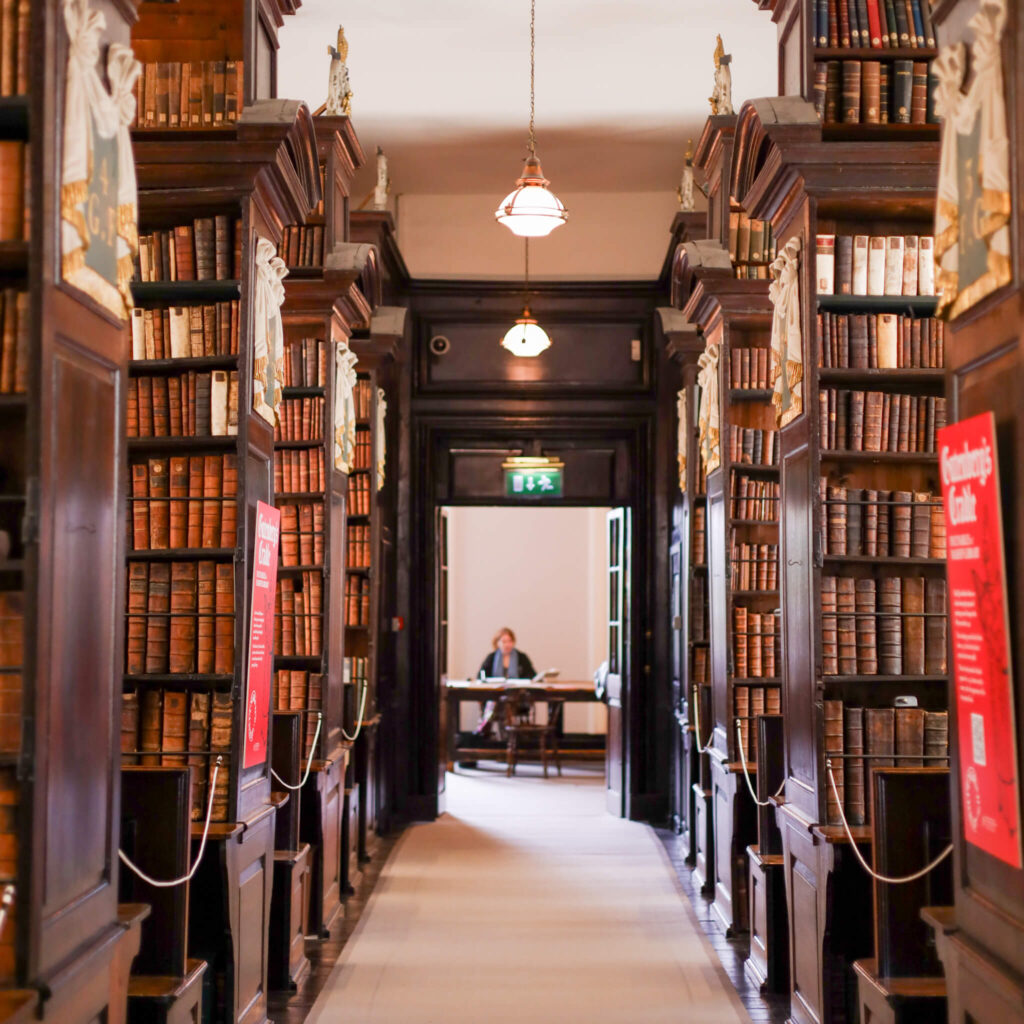
Ireland’s oldest public library, founded in 1707 and virtually unchanged since, with wooden bookcases, 25,000 rare books, and the cages where readers were once locked in with the manuscripts. Located next to St Patrick’s Cathedral. Small entry fee (€7 adults, €4 students/seniors); open Tuesday to Friday 9:30am–5pm, Saturday 10am–5pm. A genuinely atmospheric and unusual visit.

Glasnevin Cemetery
Ireland’s largest and most historically significant cemetery, the final resting place of many of the country’s most important figures, including Michael Collins, Daniel O’Connell and Éamon de Valera. The on-site museum tells the story of modern Ireland through those buried here. Guided tours of the grounds are available and well worth taking. Located in north Dublin, about 3km from the city centre.

Áras an Uachtaráin
The official residence of the President of Ireland, a stunning 18th-century neoclassical mansion set in 50 acres within Phoenix Park. Free guided tours run on Saturdays only; tickets are issued in person at the Phoenix Park Visitor Centre on the day, on a first-come, first-served basis. The building and grounds are beautiful, and the tour gives real insight into Irish history and the role of the presidency.
Kilmainham Gaol
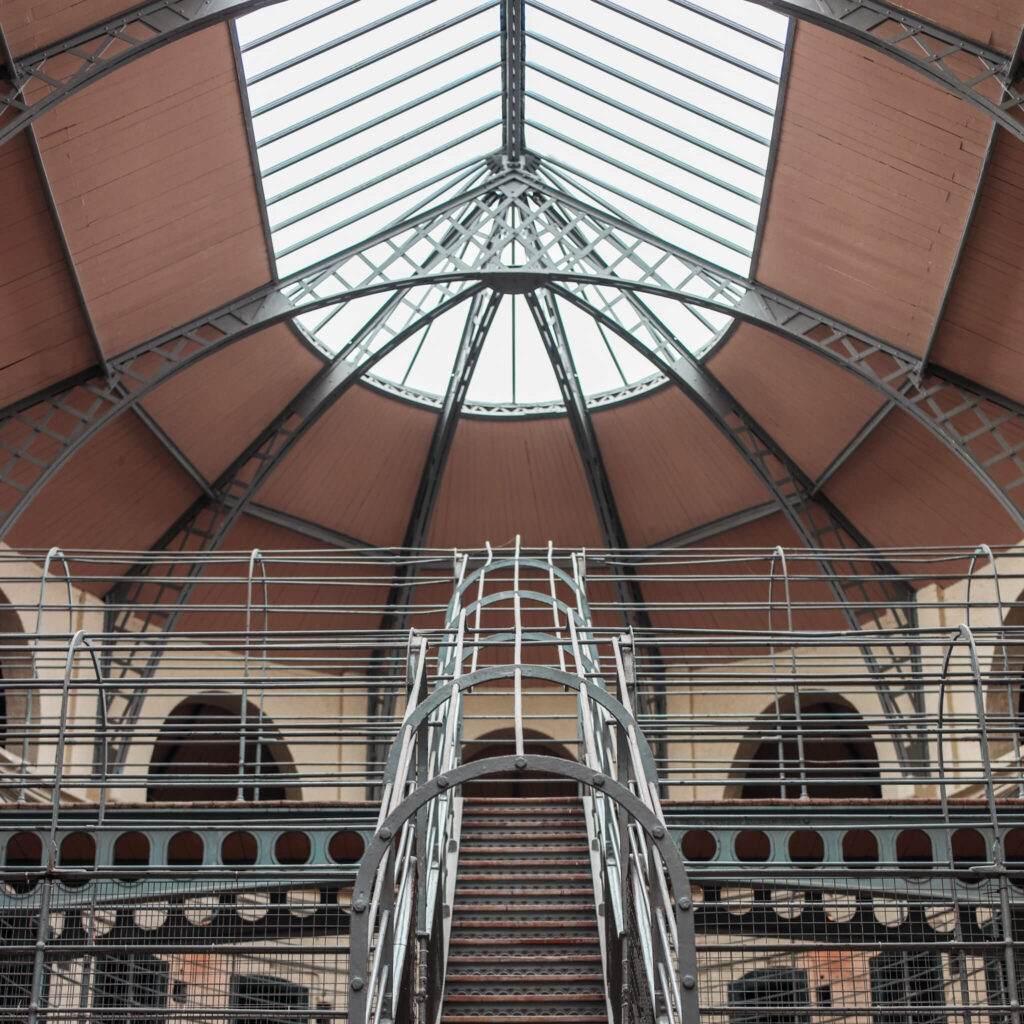
One of the most important historical sites in Ireland, this former prison held many of the leaders of Ireland’s independence movement before their execution following the 1916 Easter Rising. A deeply moving and highly informative guided tour, widely regarded as the best historical experience in Dublin. 💡 Local Tip: tickets are released exactly 28 days in advance and sell out frequently. Set yourself a reminder so you’re ready to book the moment they go live. Also available on the OPW Heritage Card.

Jeanie Johnston Famine Ship
⭐️ 4.8 stars | ⏰ 50 minutes | 🎟️ Pre-book recommended | 💶 From €15 | Book Online
A guided visit on board a replica famine era ship in the Docklands, focused on what the voyage was like for people leaving Ireland during the famine. It’s short, impactful, and easy to fit into a half day around EPIC. You’ll go above deck and below into the cramped living quarters.
💡 Local Tip: Included on the Dublin City Pass.

Christ Church Cathedral
⭐️ 4.6 stars | ⏰ 1 day | 🎟️ Not required | 💶 From €12 | Book Online
Dublin’s oldest cathedral, with a gorgeous main space and a large underground crypt that’s packed with curiosities. It’s right beside Dublinia, so you can do both back to back without trekking across town. If you like medieval Dublin, this is the one.
💡 Local Tip: Included on the Dublin City Pass.
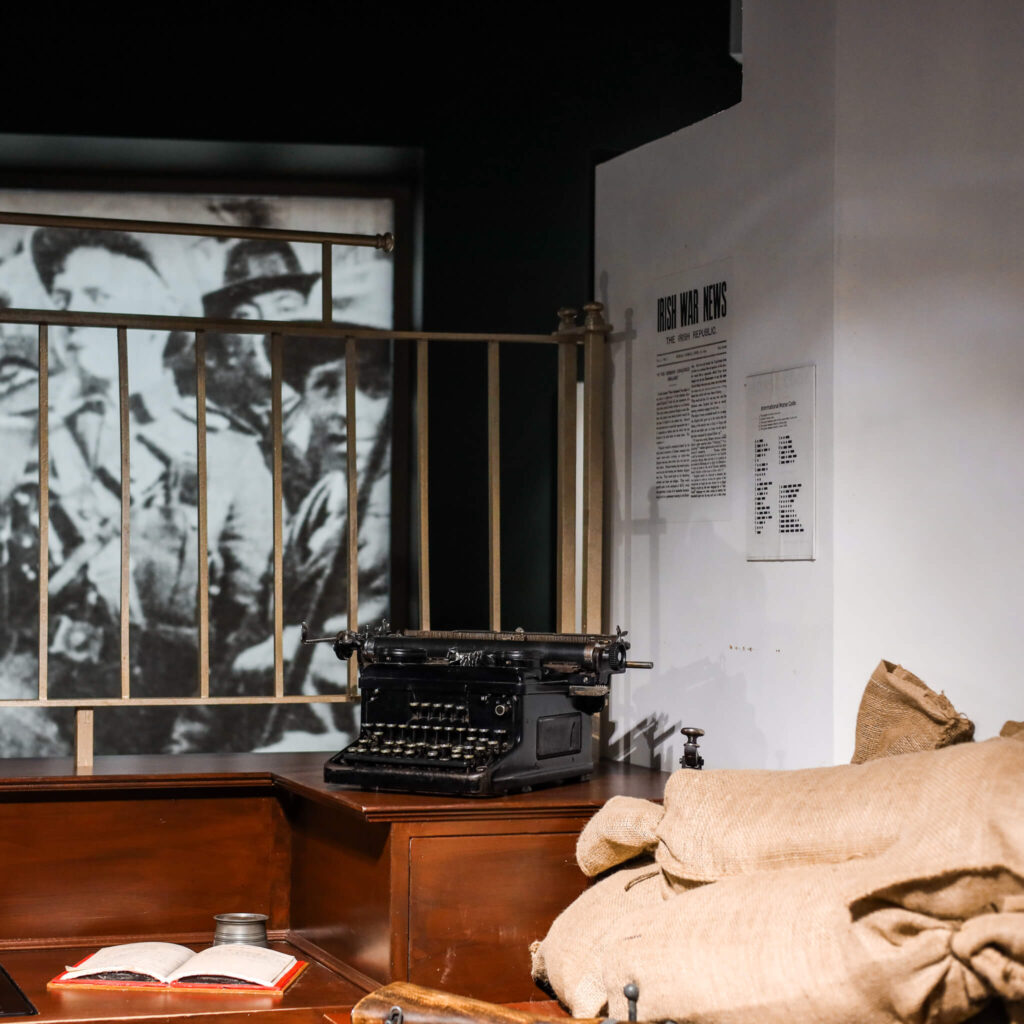
GPO Museum
⭐️ 4.5 stars | ⏰ 1 day | 🎟️ Not required | 💶 From €15 | Book Online
A compact museum inside the General Post Office that focuses on the 1916 Easter Rising and the events that shaped modern Ireland. It’s multimedia, easy to follow, and doesn’t require a big time commitment. Handy if you’re already on O’Connell Street.
💡 Local Tip: Included on the Dublin City Pass.
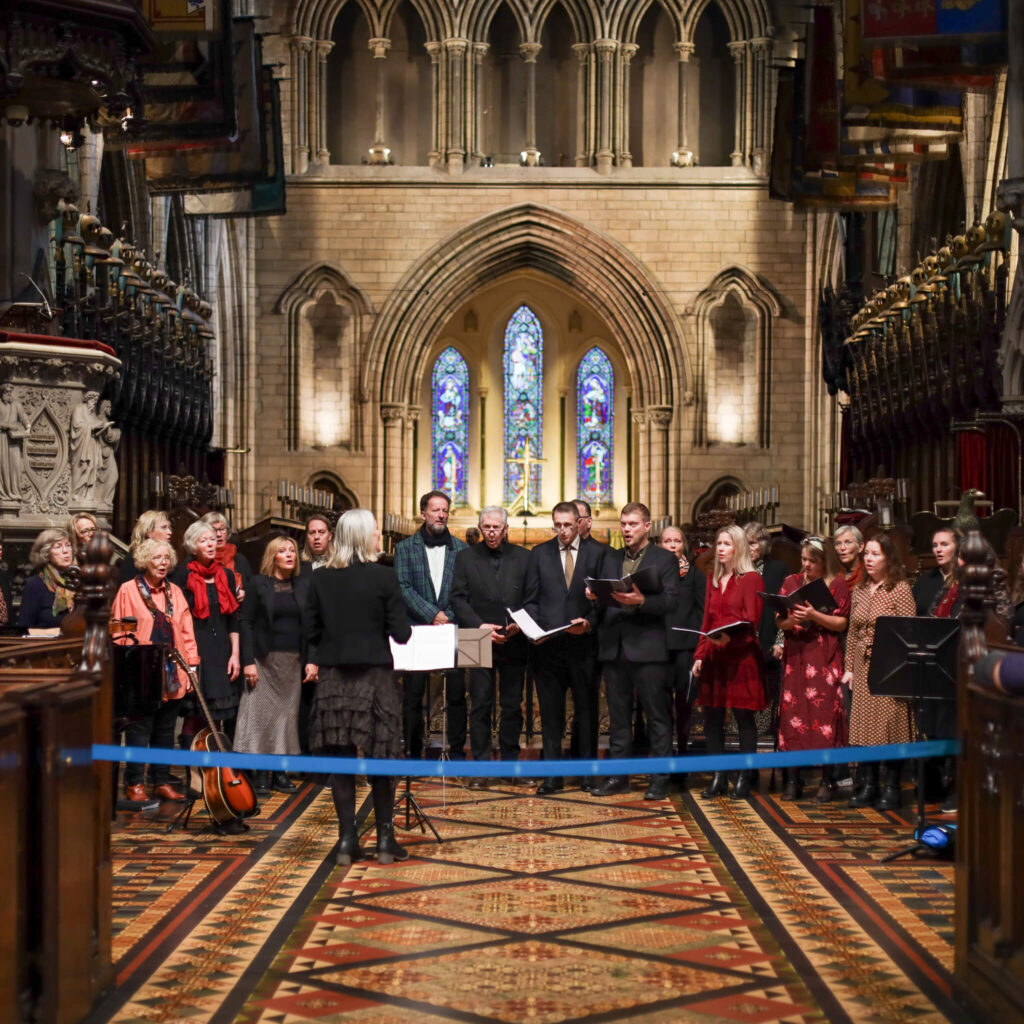
St Patrick’s Cathedral
⭐️ 4.5 stars | ⏰ 1 day | 🎟️ Not required | 💶 From €12 | Book Online
Ireland’s largest cathedral, right in the city centre, with a proper sense of history once you step inside. You can wander at your own pace and take in the architecture, the stories, and the Jonathan Swift connection. It’s an easy, classic Dublin stop that doesn’t take up your whole day.
💡 Local Tip: Included on the Dublin City Pass.
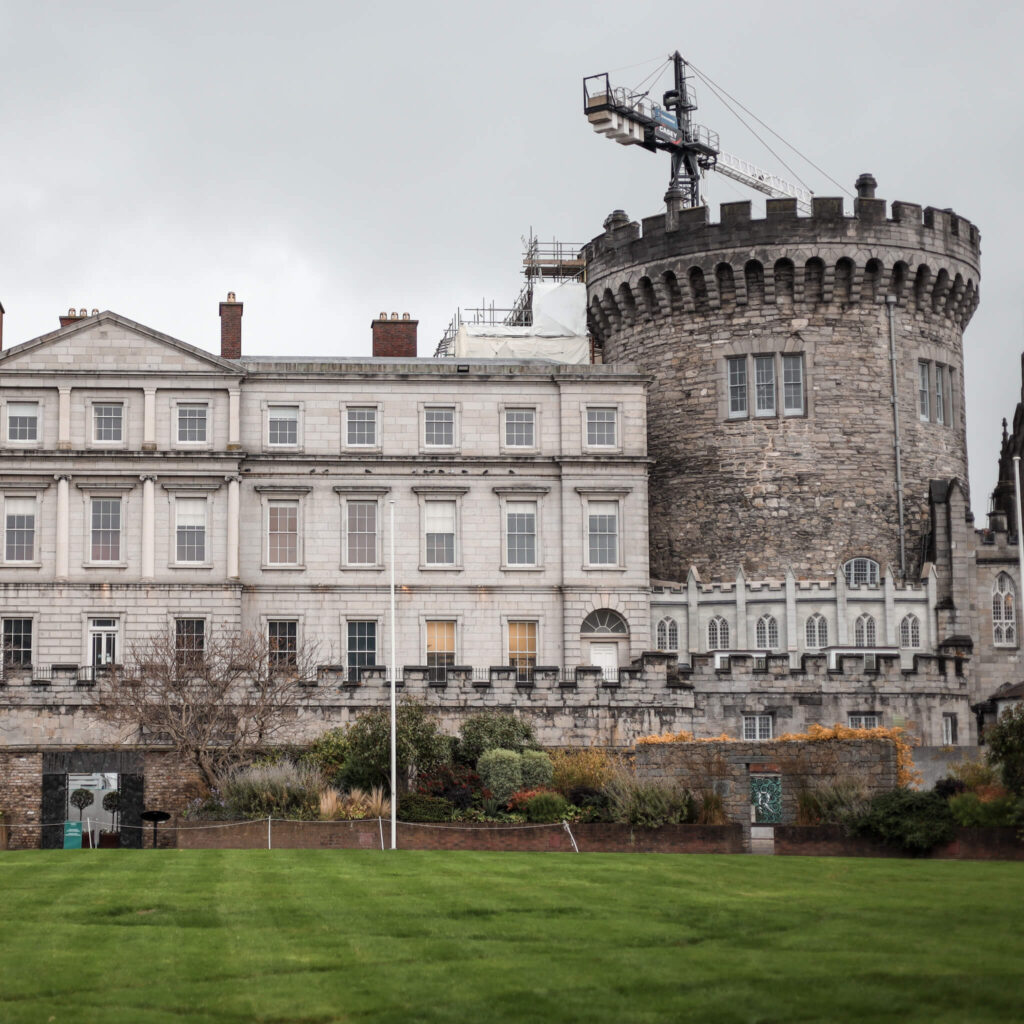
Dublin Castle
At the heart of Dublin for over 800 years, Dublin Castle served as the seat of British rule in Ireland and is now a major government and cultural complex. Guided and self-guided tours of the State Apartments, Chapel Royal and medieval undercroft are available. The courtyard is free to walk through; paid entry for the interior tours. Centrally located just off Dame Street, easy to combine with Chester Beatty next door. 💡Local tip: interior tours are also available on the OPW Heritage Card.

MUSIC & NIGHT-TIME ACTIVITIES
Irish Music and Dance Dinner Show
⭐️ 4.5 stars | ⏰ 2 hours | 🎟️ Pre-book recommended | 💶 From €71 | Book Online
A set dinner with live Irish music and dance in the heart of Temple Bar, in a venue with views over the Liffey and the Ha’penny Bridge. It’s a tidy all in one night if you want food and a show without organising anything. Expect it to feel lively and very central Dublin.
In Stitches Comedy Club
⭐️ 4.5 stars | ⏰ 2 hours | 🎟️ Pre-book recommended | 💶 From €15 | Book Online
A stand up comedy night in a proper Dublin pub setting in Temple Bar, with a mix of Irish and international comedians. It’s a simple, low effort evening plan when you want something fun after a day of sightseeing. Expect a lively crowd and a cosy room.
Craic Den Comedy Club
⭐️ 4.8 stars | ⏰ 2 hours | 🎟️ Pre-book recommended | 💶 From €15 | Book Online
A central Dublin comedy club night with a rotating line up of Irish and international stand up. It’s an easy evening plan if you want a break from pubs but still want a bit of craic. Expect a small room, a lively crowd, and plenty of crowd work.
Dublin Trad Music Pubs
⭐️ 5 stars | ⏰ 3 hours | 🎟️ Pre-book recommended | 💶 From €65 | Book Online
A small group night out that brings you to real traditional music sessions in a few different pubs, led by a local musician. It’s for people who want the real thing, not the staged show version. Drinks are included, but there’s a good bit of walking between pubs.
McNeill’s Pub
A traditional pub on Capel Street with late-night trad sessions that feel like the real thing, not a stage show. It’s small, lively, and music-led, with sessions typically running later in the evening, so it’s a great shout if you want Dublin nightlife with proper tunes.
O’Neills Pub & Kitchen
A big, classic city-centre pub right by Grafton Street with snug rooms, plenty of seating, and live music most nights. It’s an easy, convenient stop if you want atmosphere without trekking anywhere, and it works well for food as well as pints.
The Brazen Head
Dublin’s famously old pub down by the Liffey, with cosy stone rooms, hearty food, and live music and storytelling nights that lean ‘classic Dublin’. It’s busy with visitors, but it still feels atmospheric, especially later in the evening.
Darkey Kelly’s
A cosy spot tucked down by Christ Church with live music every night and a proper Dublin feel. You can call in for a pint and catch trad and singer-songwriter sets, and it’s a great choice if you want somewhere central that still feels a bit more ‘in the know’.
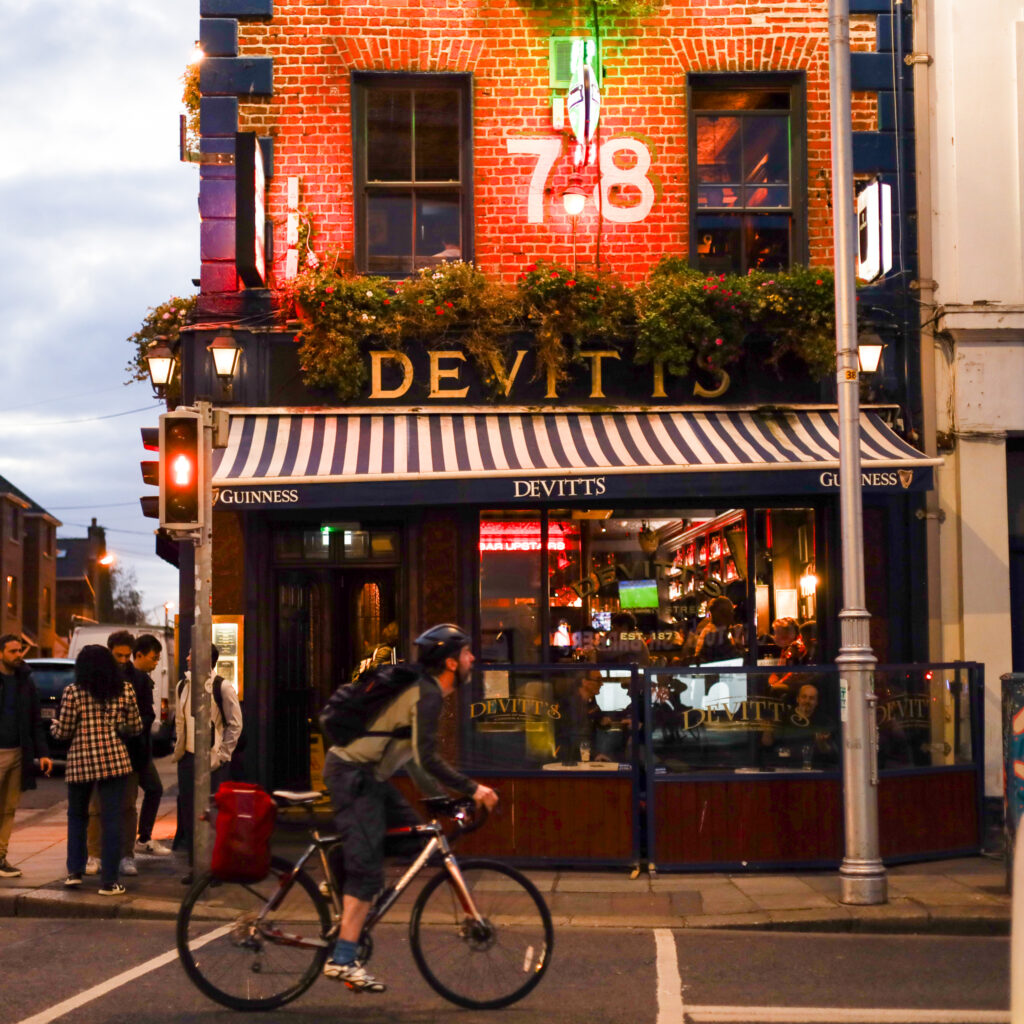
Devitt’s Pub
A classic Camden Street pub with a warm, lived-in feel and nightly trad sessions upstairs. It’s a great shout if you want proper music without the Temple Bar circus, plus solid Irish comfort food during the day.
The Irish House Party
⭐️ 4.8 stars | ⏰ 1 day | 🎟️ Pre-book recommended | 💶 From €35 | Book Online
An evening of live Irish music and dancing in a Georgian townhouse setting. It’s a good option if you want a show that feels up close and social, rather than a big theatre vibe. Dinner is optional, so you can choose whether you want it as a full night out or just the performance.
The Stag’s Head
A classic Victorian-style Dublin pub just off Dame Street, with snugs, a great pint, and a lively upstairs programme. It’s a good shout for a casual night out because you can catch live trad music, comedy nights, or the famous Ukulele Tuesday singalong (Tuesdays from 8pm).
The Hairy Lemon
A quirky, character-filled pub just off Grafton Street, known for its memorabilia-covered walls and good, central atmosphere. There’s live music most nights, and it’s a handy stop if you want a lively pub without being in Temple Bar.
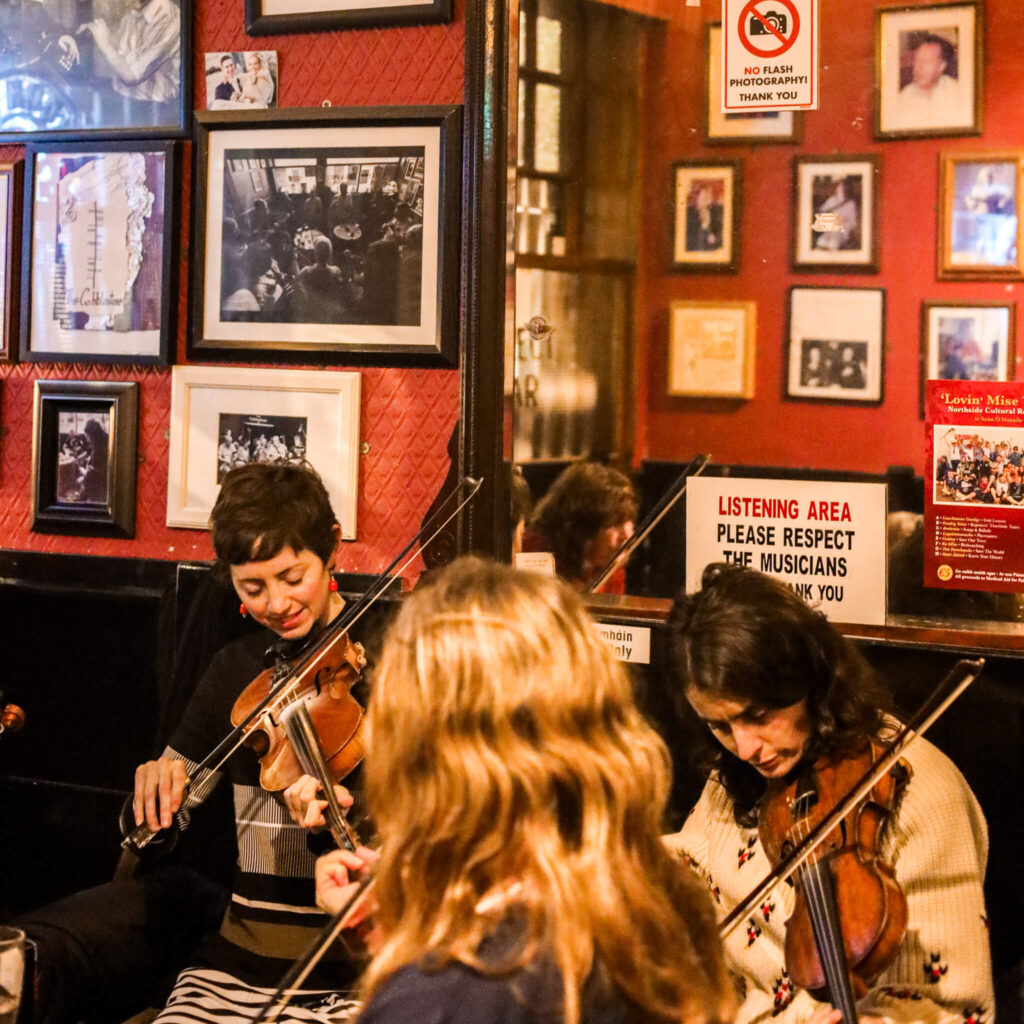
The Cobblestone
An iconic trad pub in Smithfield that’s all about the music. Expect proper live sessions every day, a small, no-frills bar, and a crowd that’s there to listen as much as drink. It’s one of the best spots in the city for a real traditional session.
Gogarty Bar
A big, lively Temple Bar pub with live trad music daily and plenty of singalong energy. It’s fun if you want guaranteed entertainment in the middle of the action, just expect crowds and a very touristy buzz.

O’Donoghues Bar
A proper old-school Dublin pub near St Stephen’s Green, famous for traditional music sessions and a great pint. Live Irish music runs most nights, and it’s a brilliant spot if you want something authentic without a big ‘show’ feel.
The Stella Cinema
A beautifully restored 1920s art deco cinema in Rathmines, about 3km from the city centre. Known for plush leather armchairs, footrests, table service and a cocktail bar, making it a genuinely lovely way to see a film. Shows new releases and the occasional classic. A favourite with locals looking for something a bit more special than a standard multiplex. Check showtimes and book in advance online.
The Church Café Bar
A huge converted church that’s more of an experience than a simple pub. Expect a big, buzzy room, food and cocktails, and live traditional music early in the evening. It’s a handy option for groups who want dinner and entertainment in one place.
Vicar Street
A well-loved Dublin venue for live gigs, comedy, and one-off shows, with a great atmosphere and good sightlines. It’s not a pub session kind of night, it’s more: grab tickets, arrive early, and enjoy an intimate show in the city centre.


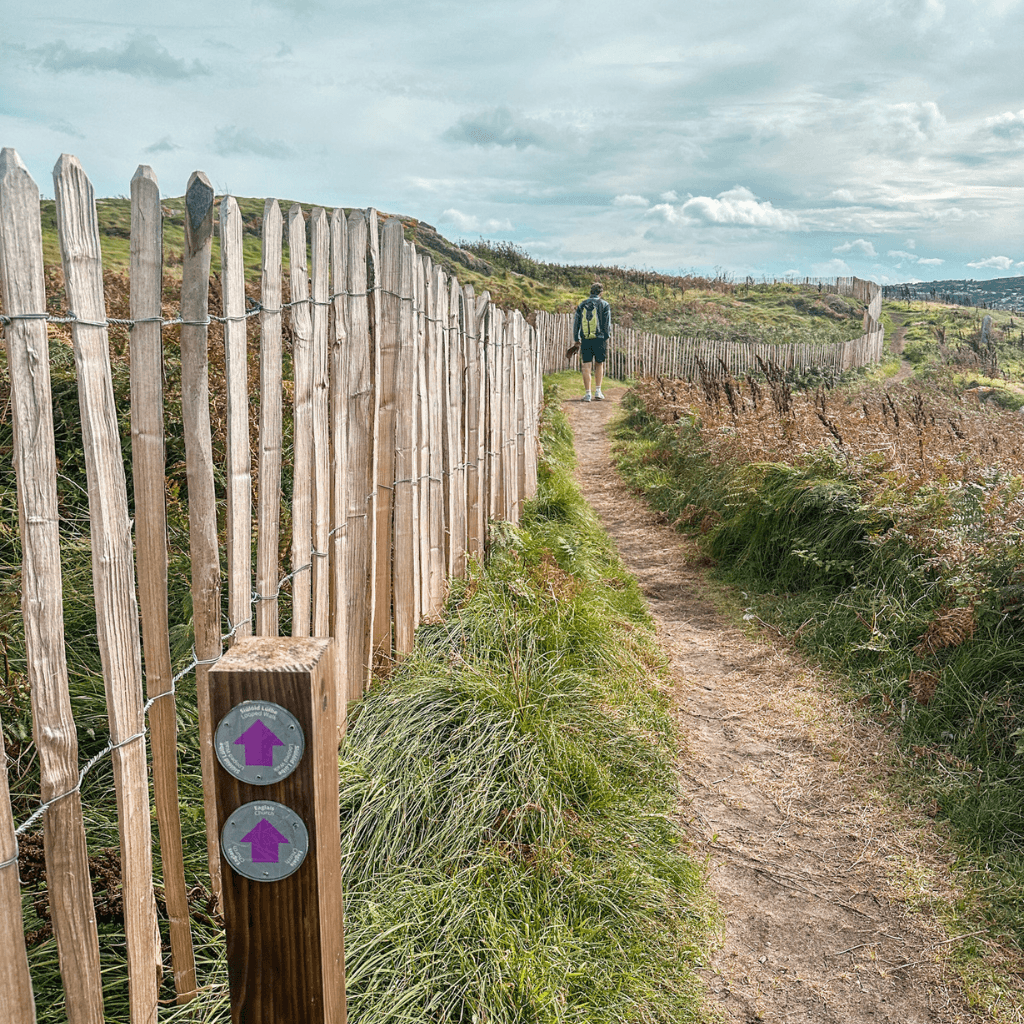
Howth Hiking/Walking Tour w/ A Local
⭐️ 4.9 stars | ⏰ 3 hours | 🎟️ Pre-book required | 💶 From €39 | Book Online
A guided hike around Howth with coastal views, local stories, and a route that takes you off the obvious path. It’s a great option if you want a proper stretch of the legs and a break from the city streets. Wear decent footwear, the ground can be wet and uneven.
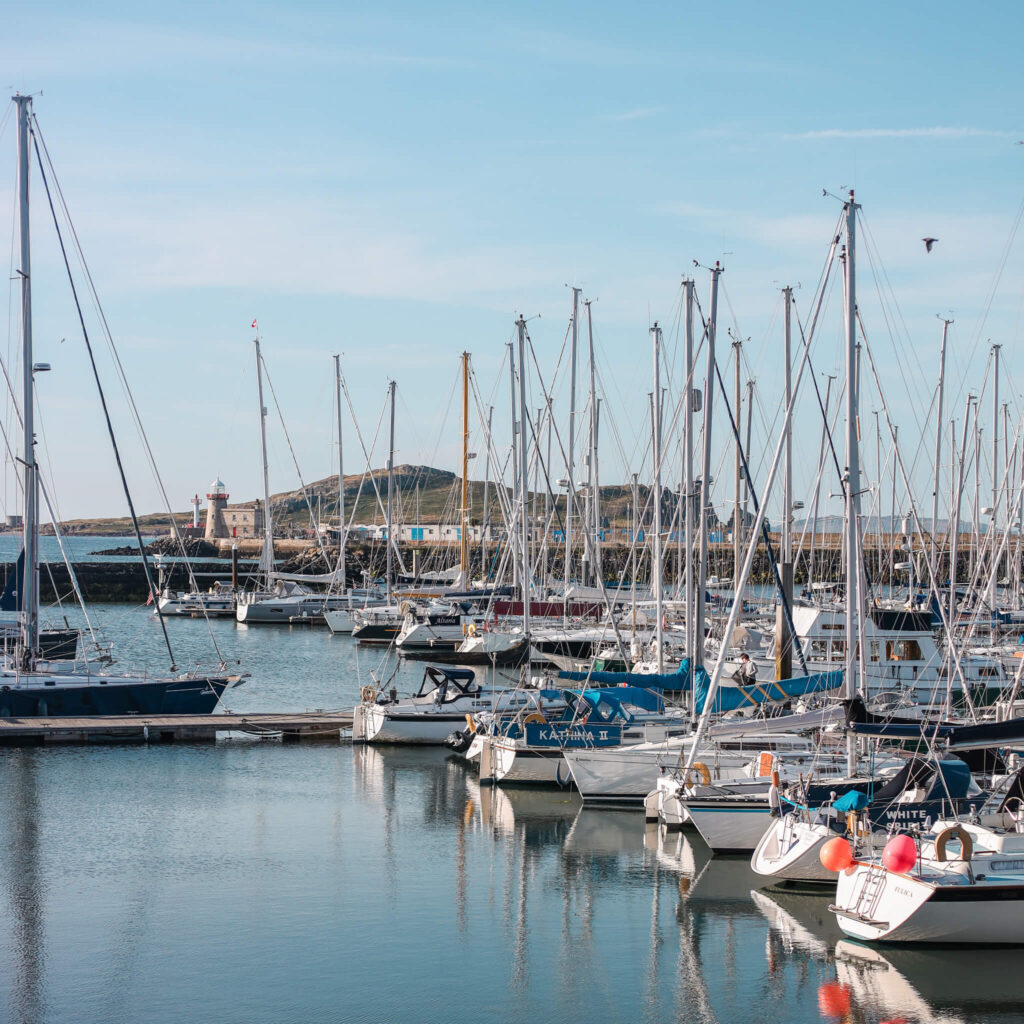
Howth Beer and Seafood Tour
⭐️ 5 stars | ⏰ 3 hours | 🎟️ Pre-book recommended | 💶 From €99 | Book Online
A guided food and drink crawl around Howth, mixing local seafood with craft beer stops. You’ll try a few places you’d never pick on your own, and you’ll finish properly fed. Best suited to hungry people who like a bit of chat and storytelling with their lunch.
Ireland’s Eye Landing Tour
⭐️ 4.6 stars | ⏰ 2 hours | 🎟️ Pre-book recommended | 💶 From €30 | Book Online
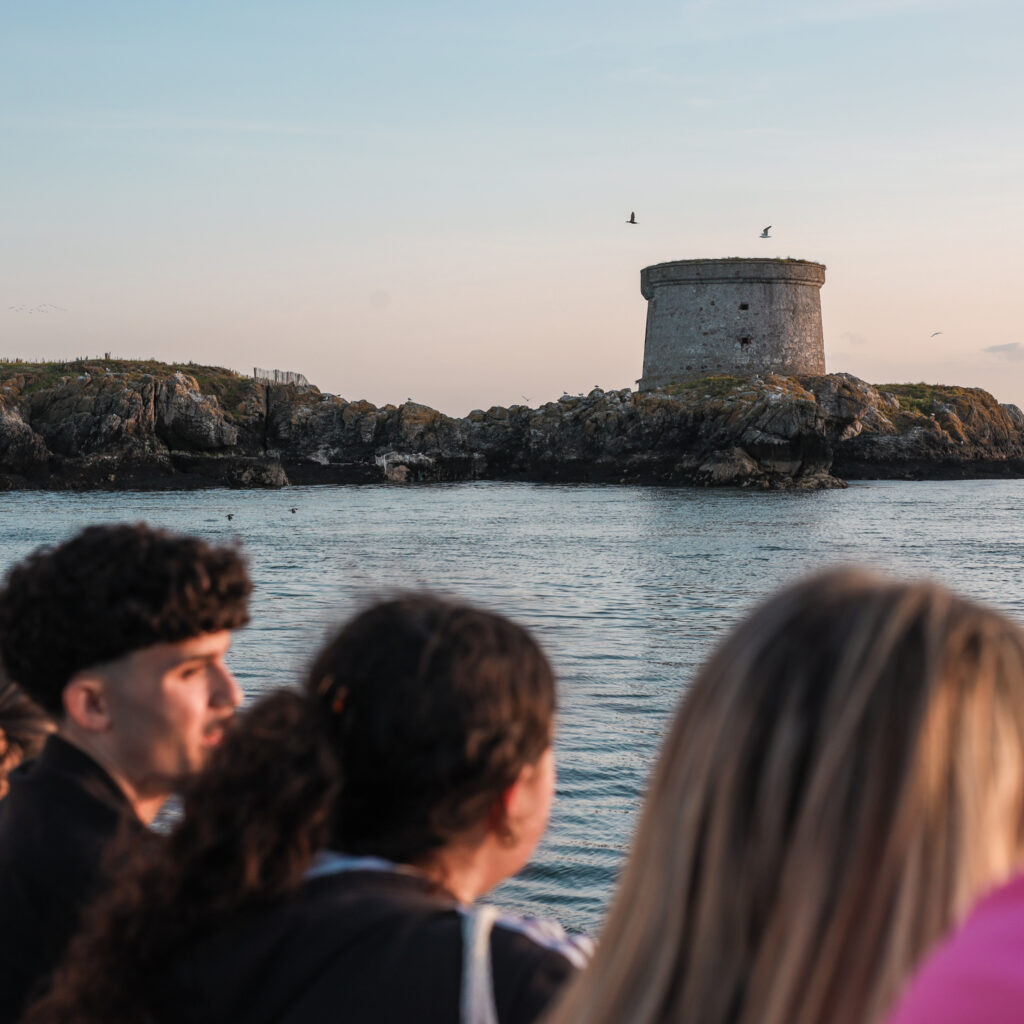
A short ferry trip from Howth out to Ireland’s Eye, with time to wander the island at your own pace before getting the boat back. It’s a great half day if you want sea air, birds, and a break from the city. Weather decides the vibe, so bring a layer.
Howth Sunset Cruise
⭐️ 4.6 stars | ⏰ 1 hour | 🎟️ Pre-book recommended | 💶 From €26 | Book Online
A one hour boat trip from Howth timed for sunset, with views back towards Dublin Bay and along the cliffs. It’s a lovely, simple plan if you’re staying out on the coast for the evening. Bring a warm layer, it cools down fast once you’re on the water.
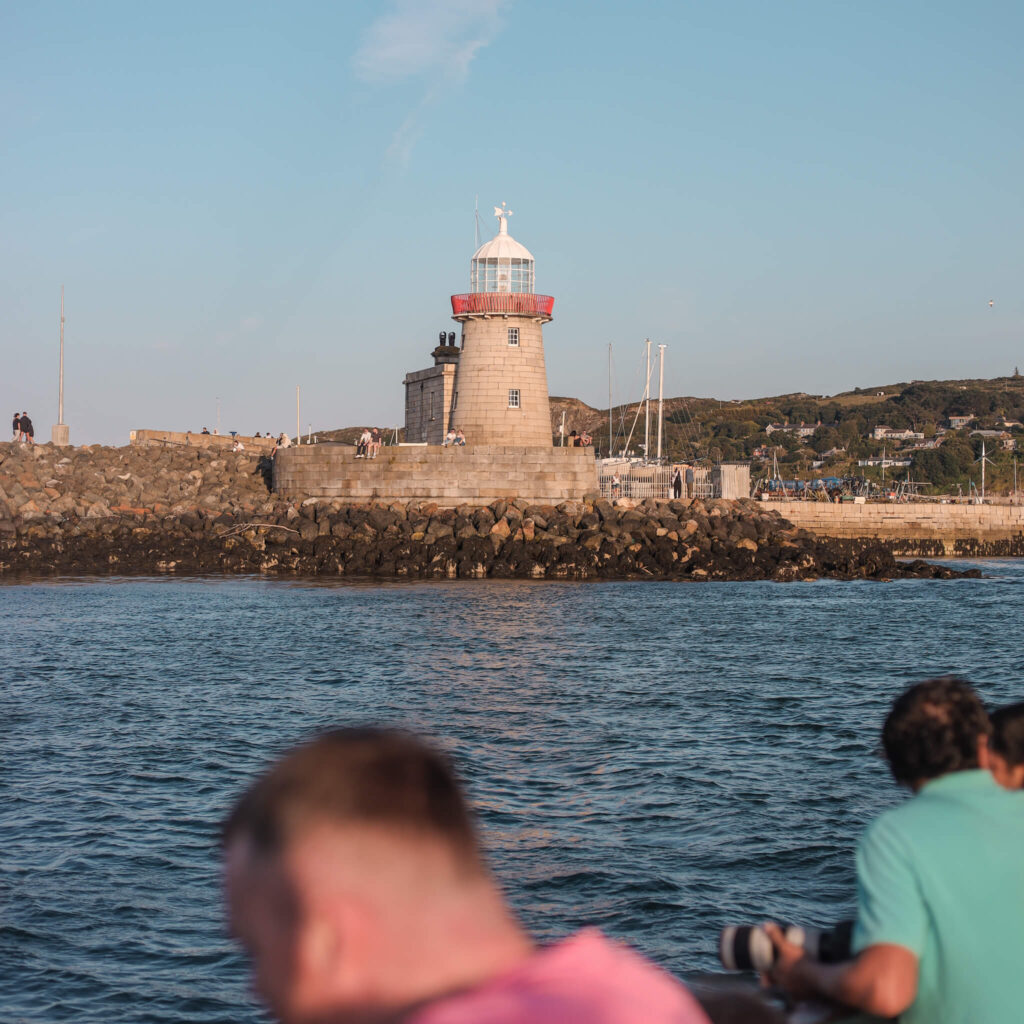
Howth Cliff Cruises
⭐️ 4.4 stars | ⏰ 55 minutes | 🎟️ Pre-book recommended | 💶 From €25 | Book Online
A boat trip from Howth that loops around the coastline and Ireland’s Eye, with commentary from the captain. It’s a quick way to get the sea views without committing to a long hike. Bring a warm layer, it can feel chilly on the water even in summer.
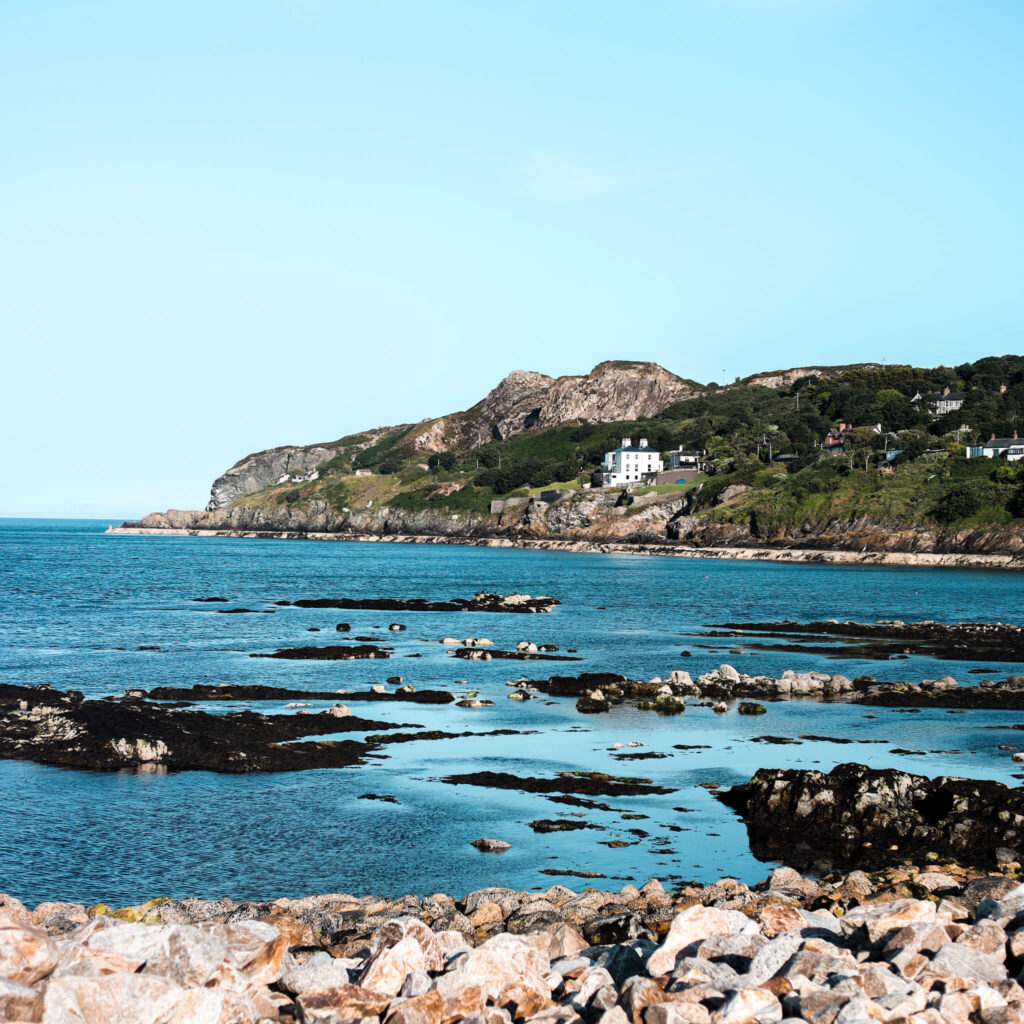
Howth Hike (Pints and Puppies)
⭐️ 5 stars | ⏰ 3.5 hours | 🎟️ Pre-book required | 💶 From €47 | Book Online
A guided coastal walk in Howth with a local guide and their dog, mixing cliff views with stories and a relaxed pub stop at the end for a pint. It’s a good one if you want fresh air and something a bit more social than a standard hike. You’ll be on uneven trails, so proper shoes are worth it.

Dún Laoghaire
A charming seaside town about 20 minutes south of Dublin city by DART. Walk the East or West Pier for wide open sea views, grab coffee or fresh seafood along the seafront, and soak up the relaxed maritime atmosphere. A favourite with locals on sunny days and a lovely easy half-day trip from the city centre.
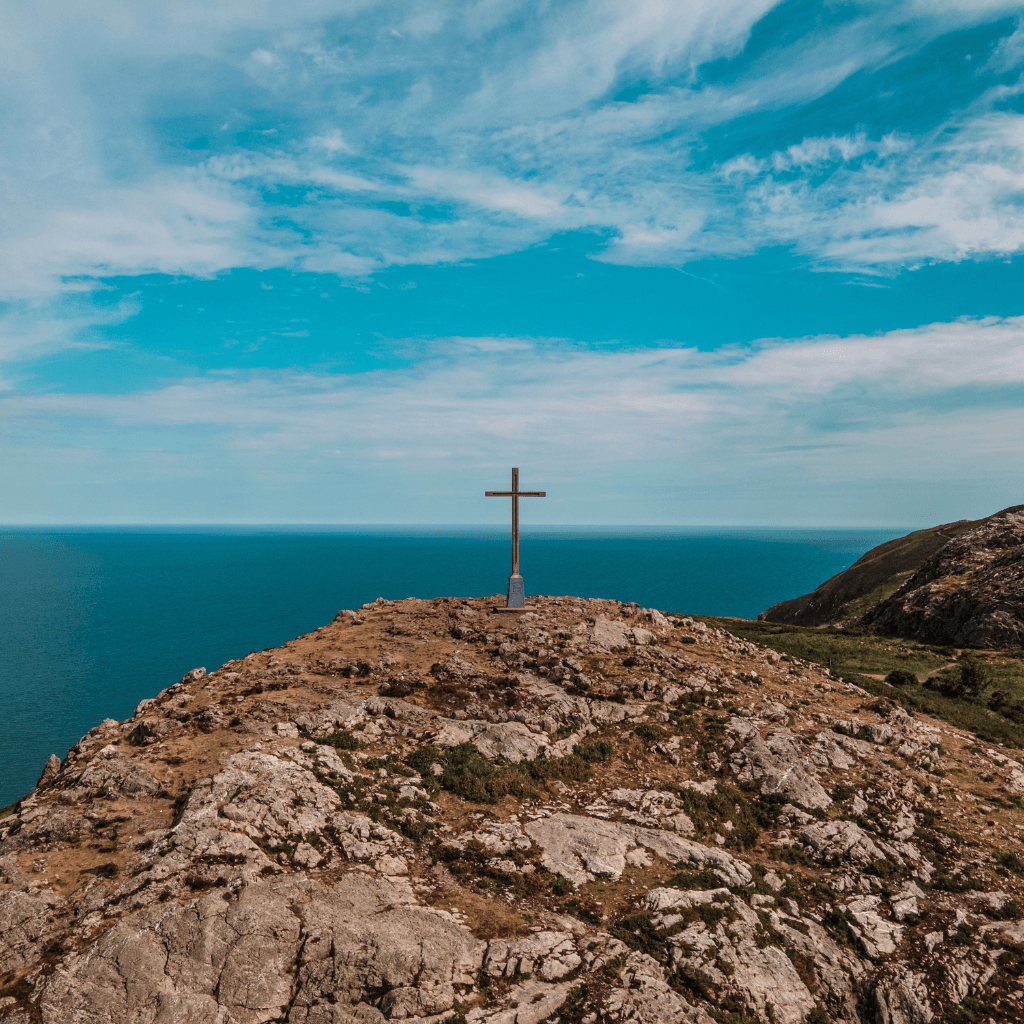
Bray Head
A dramatic coastal headland south of Dublin, easily reached by DART from the city centre. The clifftop walk from Bray seafront around to Greystones is one of the most scenic coastal routes near Dublin (currently closed), with rugged sea views, open headland, and a proper sense of escape from the city. Allow 2–3 hours for the full walk, 1 hour to summit Bray Head or just explore Bray Seafront if time is short.
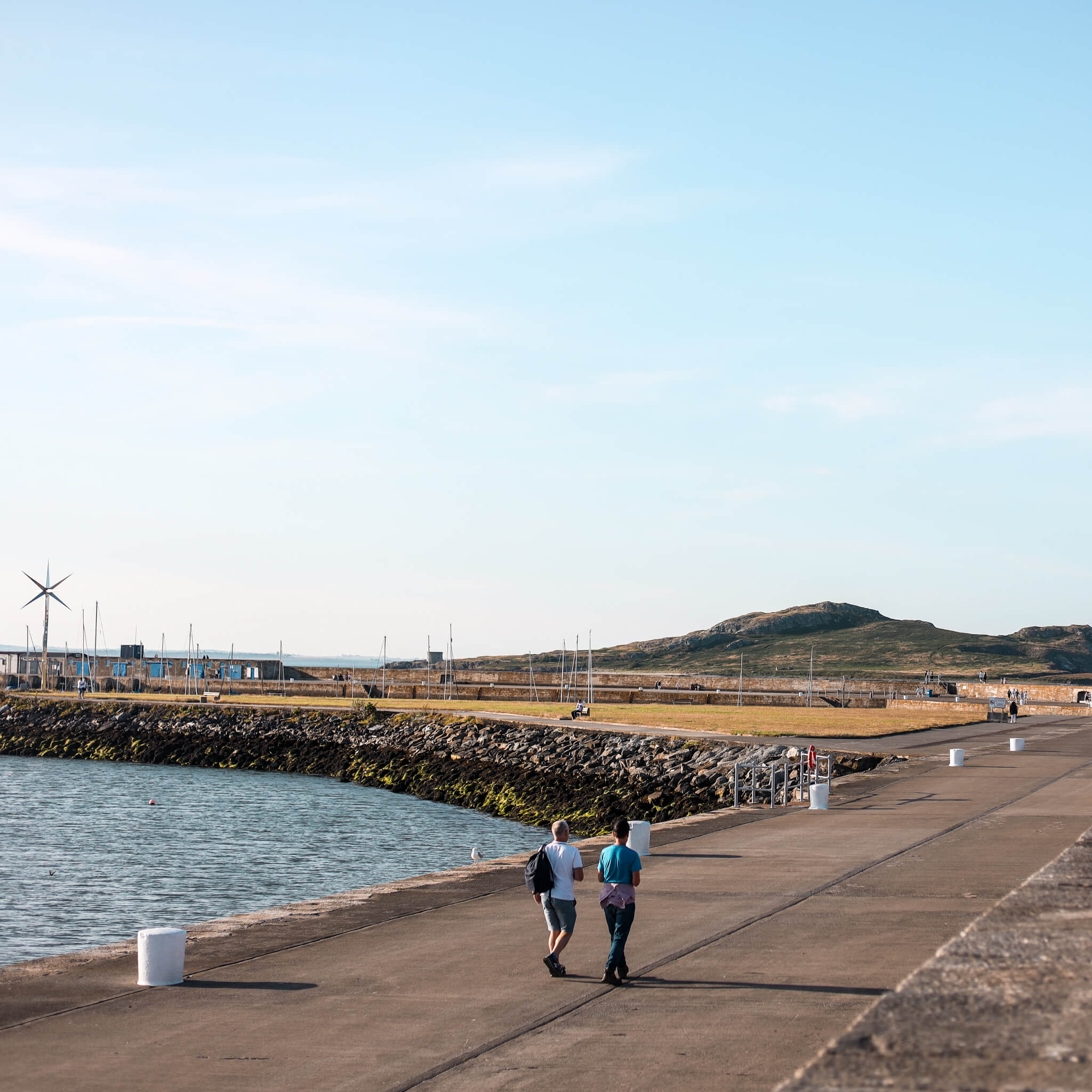
Howth
A picturesque fishing village on Dublin’s north coast, about 30 minutes from the city centre by DART. Known for its clifftop walking loop with sweeping views across Dublin Bay, fresh seafood straight off the pier, and a relaxed village feel. One of the best and easiest half-day escapes from Dublin, genuinely popular with locals and visitors alike.
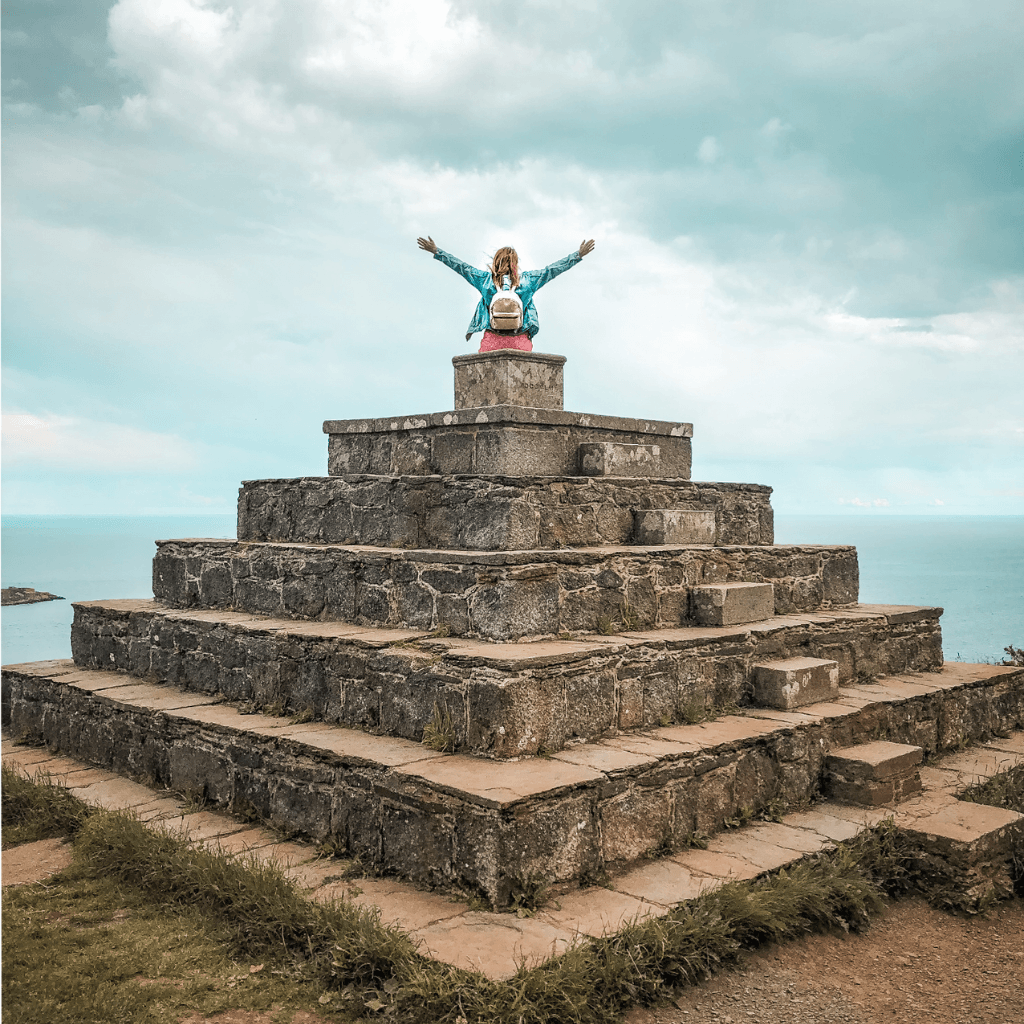
Killiney Hill
A wooded hillside park in south Dublin offering panoramic views over Killiney Bay, the Wicklow Mountains, and on a clear day, the coast of Wales. Often compared to the Bay of Naples, which locals say with a completely straight face. A short, steep walk to the obelisk at the summit rewards with some of the best views in the county. Easily combined with a trip to Dún Laoghaire nearby.

👋 START HERE
This is your practical Dublin guide, built by a local and designed to be used while you’re actually in the city.
It’s here to answer the questions that usually come up before you arrive and to guide you while you’re in Dublin.
You can keep this guide on your phone and use it to find:
- How to get around Dublin easily
- What’s worth booking ahead and what isn’t
- Locations for top tourist attractions and useful spots
- Common first-time visitor mistakes to avoid
- Practical information you won’t find in generic Dublin travel guides
Please see the toggle below with explanations on how to download the app on iPhone or Android. While it will function on a desktop or your phone’s web browser, you may experience formatting issues. For the best user experience, I’d advise downloading it as an app on your device.
📲 How to Add the App (iPhone)
Load the app page using the link provided.
Tap the share button in the top right corner, then scroll down and select Add to Home Screen.
You can rename the app if you’d like, then tap Add.
The app will now appear on your home screen.
For the best experience, keep the Open as Web App option turned on.
📲 How to Add the App (Android)
Load the app page using the link provided.
Tap the three dots in the top right corner to open the menu, then scroll down and select Add to Home screen.
Select Install, then tap Install again when prompted.
The app will now appear on your phone, where you can open and use it like a regular app.

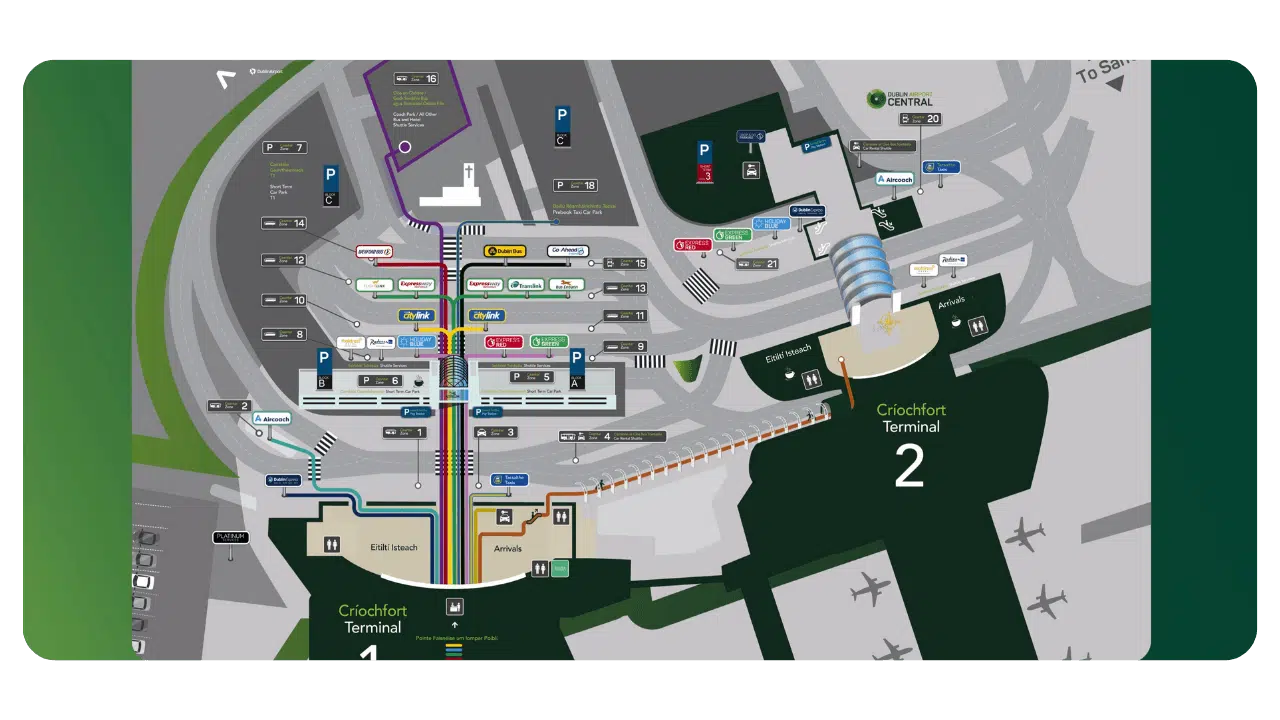
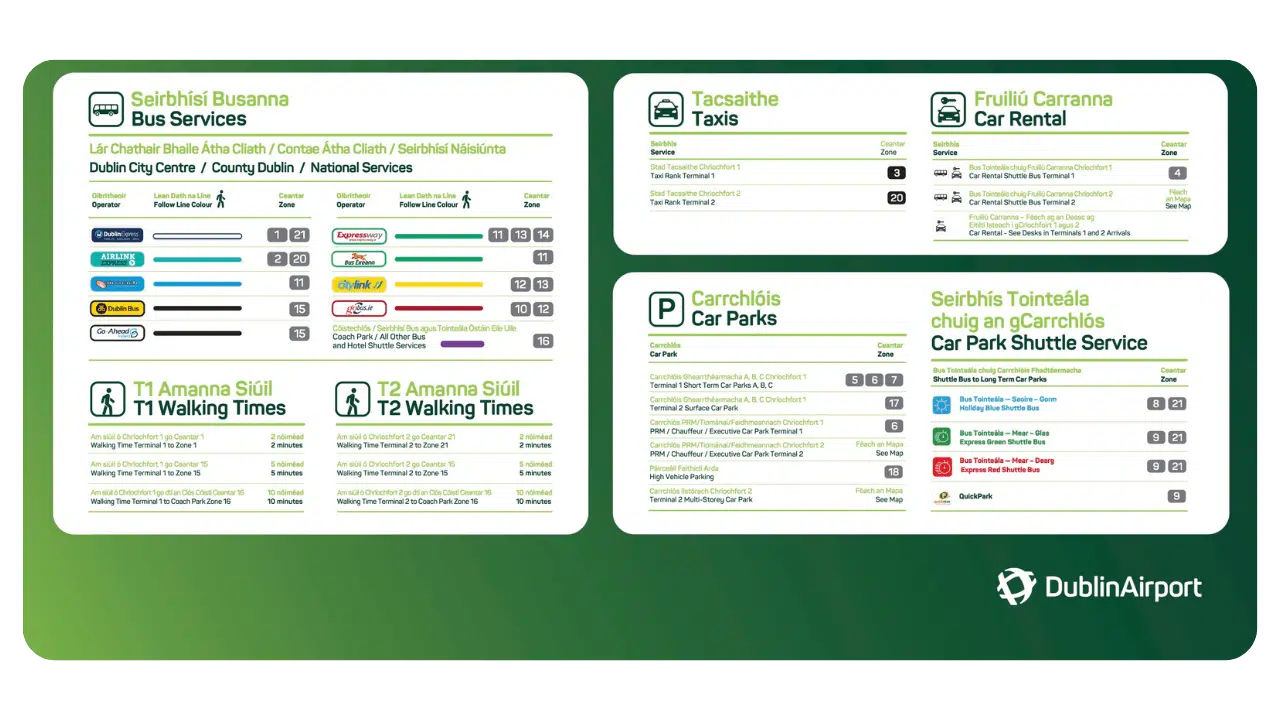
✈️ ARRIVING AT DUBLIN DUBLIN AIRPORT
Dublin Airport has two terminals, both within walking distance of each other. Once you exit arrivals, all transport options are clearly signposted (all locations visable on the above map & within the map section of this app).
There are four main ways to get into Dublin city centre:
🤝 Pre-Booked Airport Pickup: Get collected from the arrivals area and brought directly to your accommodation. I reccomend checking out Welcome Pickups for this, everything is arranged in advance, pricing is clear, and it’s ideal if you’re arriving after a long flight or travelling with luggage.
🚌 Coach Transfers: There are 2 services available, the Dublin Express and Aircoach. Both Services operate in similar ways stopping off at various locations across Dublin City. The one you choose will depend on the location of your accommodation.
🚖 Taxi / Ride Apps: You can either hop into a taxi using the taxi ranks outside both terminals, or use apps like FREE NOW (Android/iOS) or Uber (iOS/Android) to order a taxi on your mobile device (you’ll need to walk outside to Zone 18 to meet your driver).
🚌 Public Transport: You can get public transport from Dublin Airport into the city centre using the 14 and 44 bus routes. However, It’s important to note that they don’t take notes, and you’ll need a Leap Card or exact coins to pay. This is the most affordable option, but it’s the least straightforward.
You can buy a physical SIM card from Irish providers such as Vodafone, Three, or Eir once you’re in Dublin but you’ll need to remove your home SIM and you won’t have service until you arrive and activate it. Personally, I don’t reccomend using this option.
Instead, I recommend using an eSIM. I like Airalo, as it works across all major Irish networks. You can pre-activate it before you arrive in Ireland, and keep your home SIM card installed on your phone. It’s affordable and reliable, and you don’t need to stop into a physical shop to activate it.
Use code IRELAND10 at checkout for 10% off your Airalo eSIM. If you plan to visit Northern Ireland, make sure you choose a plan (like this) that covers both the Republic of Ireland and Northern Ireland.

🚶 Getting Around Dublin
Dublin is a compact city, and you’ll likely end up walking more than you expect. For anything further out, public transport and taxis make it easy to get around.
There are four main ways to get around Dublin:
🚊 The LUAS (Tram): The easiest and most straightforward option. It runs through the city and connects a lot of the main areas you’ll visit.
🚆 DART (Coastal Train): Runs along the coast and is the best option for places like Howth, Dún Laoghaire, and Bray. You can pay using a Leap Card, card, or buy a ticket at the station.
🚌 Buses: Cover most of the city and go places the Luas and DART don’t. You’ll need a Leap Card or exact coins to use them.
🚖 Taxis: Great for direct trips, late nights, or when you just want something easy. You can use taxi ranks around the city or apps like FREE NOW (Android/iOS) and Uber (iOS/Android).
The Leap Card is Ireland’s contactless travel card, and it’s how most locals pay for public transport.
You’ll need one because you can’t tap a debit or credit card on buses, and they only accept a Leap Card or exact coins. On top of that, fares are cheaper when you use a Leap Card, so it’s worth having.
It works across all main transport in Dublin, including buses, the Luas, and the DART, so you won’t need separate tickets.
There are two types of LEAP card you’ll see mentioned:
- Visitor LEAP Card – best value if you’ll be using public transport frequently over a short period
- Standard LEAP Card – better if you’ll be travelling less often or mixing transport with walking
Which one makes sense depends on how much you plan to use public transport during your trip.
LEAP cards can sometimes be purchased at airport newsagents or local shops, but availability isn’t guaranteed, so preordering one is often the easiest option.
You can top up your LEAP card using the app (iOS/Android). You can also use terminals in Luas and DART stations, or top up at some newsagents.
🚖 Taxis: Traffic can increase fares quite a bit, especially at peak times. Taxis are all licensed and metered, there are no rideshare services in Ireland. You can use apps like FREE NOW (Android/iOS) or Uber(iOS/Android), but they still dispatch licensed taxis. Card payment is standard, and if a driver asks for cash only, you can refuse.
🚌 Buses: You need to hail Dublin buses by putting your hand out, otherwise they may not stop. Buses only accept a Leap Card or exact coins (no notes, no change).
🚊 Trains & Trams (Luas + DART): The easiest transport to use. Just tap on and off with a Leap Card, or buy a ticket at the machine before boarding.

🔐 Key Infomation
You can buy a physical SIM card from Irish providers such as Vodafone, Three, or Eir once you’re in Dublin but you’ll need to remove your home SIM and you won’t have service until you arrive and activate it. Personally, I don’t reccomend using this option.
Instead, I recommend using an eSIM. I like Airalo, as it works across all major Irish networks. You can pre-activate it before you arrive in Ireland, and keep your home SIM card installed on your phone. It’s affordable and reliable, and you don’t need to stop into a physical shop to activate it.
Use code IRELAND10 at checkout for 10% off your Airalo eSIM. If you plan to visit Northern Ireland, make sure you choose a plan (like this) that covers both the Republic of Ireland and Northern Ireland.
Public bathrooms are limited in Dublin and aren’t always obvious. There are very few standalone public toilets, most people use cafés, pubs, museums, galleries, or shopping centres
In this app, restroom locations are shown directly on the map so you can quickly find nearby options when you’re out and about.
Card and contactless payments are widely accepted across Dublin. When paying with a foreign card, always decline currency conversion and pay in euros, as it’s usually far cheaper.
It’s also advisable to use ATMs attached to official banks, as private ATM services tend to charge much higher fees.
ATM and bank locations are shown within the map section of this app, so you can easily find them when needed.
If you arrive early or have time after checking out, luggage storage can be very useful. Storage services are located across the city and are generally priced per bag, per day.
I recommend checking out Radical Storage so you can find a range of different storage locations, depending on where you’re staying and what suits your itinerary. Use the code ‘irelandtravelplanning’ for 5% off.
Tap water in Ireland is safe to drink. You can refill bottles from taps in cafés or restaurants if you ask however, dedicated public refill points are limited.
A handy website is refill.ie, which shows cafés, shops, and locations around Dublin that allow you to refill your water bottle. Use it alongside the map to find refill points while you’re out exploring.

🚨 Emergency and Useful Info
If you feel unwell or something happens during your trip, here’s how to handle it:
A&E (Emergency Department): Go here for anything serious or urgent that needs immediate attention.
Walk-in GP (Doctor): Best for non-emergency issues where you still want to see a doctor.
You don’t need to be registered, just walk in.
💊 Pharmacies (Chemists): Usually the first place to go if you’re feeling unwell. They can help with minor illnesses, recommend treatment, and provide many medications without a prescription.
💡 I’ve pinned emergency departments, GP clinics, and pharmacies on the map so you can quickly find the closest option.
Dublin is generally safe, but it’s worth knowing a few basics.
- Avoid quieter parts of the city late at night if you’re unsure of the area, and keep an eye on your belongings in busy spots. I’d also keep your wits about you around areas like Merchant’s Quay and Talbot Street.
- If you lose documents or need help while travelling, touristsos.ie is a really useful resource for embassy contacts and support.
- Save Google Maps offline before your trip so you can still navigate without service
- Keep a photo of important documents on your phone and carry a small backup amount of cash separately.
📞 Emergency Numbers: If you need emergency assistance in Ireland, call 999 or 112. Both connect you to fire, ambulance, or police services. The police are called An Garda Síochána (usually just “the Guards”), and you’ll see them regularly around the city centre.

🛍 Shops, Supermarkets & Souvenirs Finds
If you need to pick up clothes or basics while you’re in Dublin, there are two main derpartment stores that will sort you out:
Penneys (Primark): Cheapest and easiest for quick essentials
Dunnes Stores: Slightly more expensive, but better quality
If you want to stay stustainable you will come across a range of vintage shops (for hand picked stock) and charity shops (for some golden finds).
💡 I’ve pinned the main department stores, shopping centres, vintage shops, and charity shops on the in app map so you can easily find what’s nearby.
You’ll find supermarkets and small shops all over the city, so it’s easy to grab food on the go.
Supermarkets: Dunnes Stores, Tesco, SuperValu
Convenience stores: Spar, Centra, Circle K
💡 Local Tip: Deli Counters
Most supermarkets and convenience stores have a deli counter where you can order fresh rolls, sandwiches, and hot food.
You choose your fillings, and it’s one of the easiest and cheapest ways to get a decent lunch in Dublin.
You’ll see plenty of souvenir shops around Dublin, and not all of them are bad.
Carrols is very touristy, but it’s useful if you need something quick. You’ll find magnets, postcards, Irish tea, and other recognisable Irish souvenirs.
If you want something more local or meaningful, these are better options:
- Aran Sweater Market for traditional Aran knitwear
- Kilkenny Design Store and Avoca for Irish-designed gifts, jewellery, and homeware
- Smaller Irish design shops for less generic souvenirs
📚 Books & Irish Finds
If you’d prefer something more personal, Dublin has some great independent bookshops like the Secret Bookstore, Gutter Bookshop, and Chapters where you’ll find Irish authors, prints, and local publications.
💍 Make Your Own Claddagh Ring
If you want a souvenir with real meaning, you can also take part in a Claddagh ring workshop.
The Claddagh is a traditional Irish symbol of love, loyalty, and friendship, and making one yourself is a memorable experience rather than just a purchase. This is listed in the app as an experience.

HOME

INFO